
Lenovo V15 Business Laptop
4.4Editor score
Intel N-Series Quad-Core Processor
8GB DDR5 RAM and 128GB SSD
RJ-45 Gigabit Ethernet Port
Finding a laptop with an Ethernet port is increasingly difficult as modern devices prioritize sleek designs and wireless connectivity. However, wired connections remain essential for stability, security, and speed in professional and gaming environments.
We evaluated ten top-rated business laptops featuring built-in RJ-45 ports to help you choose the right device. Our selection balances performance, portability, and connectivity options across various price points and processor types.
Each pick highlights key specifications like processor speed, RAM capacity, and display quality alongside the crucial Ethernet feature. Please note that product availability and pricing may change frequently, so verify details before purchasing.
4.4Editor score

4.4Editor score

5.0Editor score
As an Amazon Associate we earn from qualifying purchases.
The following table provides a side-by-side comparison of all ten laptops selected for their reliable Ethernet connectivity and overall business performance capabilities.





The Lenovo V15 Business Laptop stands out as a top choice for users needing reliable wired networking without breaking the bank. It features a robust Ethernet RJ-45 port alongside modern connectivity options like Wi-Fi 6. This balance makes it ideal for office environments where stable internet is critical.
We may earn a commission when you buy through this link, at no additional cost to you.
Powered by an Intel N-Series Quad-Core processor and 8GB DDR5 RAM, this device handles everyday productivity tasks smoothly. The 128GB PCIe SSD ensures quick boot times despite its modest size. The Full HD anti-glare display offers comfortable viewing during long work sessions.
While the storage is limited initially, the system supports upgrades for future needs. The inclusion of Windows 11 Pro adds enterprise-grade security features like BitLocker. For basic business tasks, web browsing, and online classes, this laptop delivers exceptional value.
This model is perfect for students or small business owners prioritizing connectivity and cost. If you need a machine that stays connected reliably without wireless interruptions, the V15 is a strong contender. Always check current specs before buying to confirm RAM or SSD options.
The RJ-45 port ensures stable internet access for video calls and large file transfers without latency.
DDR5 RAM provides faster data processing speeds compared to older DDR4 models for smoother multitasking.
We may earn a commission when you buy through this link, at no additional cost to you.
This Lenovo V15 Gen 4 model excels for professionals needing robust security and memory performance. It includes 16GB of LPDDR5 RAM which significantly boosts multitasking capabilities over standard configurations. The AMD Ryzen 3 7320U processor handles office suites and web applications efficiently.
We may earn a commission when you buy through this link, at no additional cost to you.
Security is paramount in business settings, and this laptop features Firmware TPM 2.0 for data encryption. The webcam privacy shutter gives users control over video surveillance during remote work. It is also MIL-SPEC tested for durability in demanding environments.
Although the RAM is soldered, the 512GB storage provides ample space for documents and applications. The Full HD anti-glare display reduces eye strain during long meetings. Wired connectivity is maintained through the RJ-45 port for stable network access.
Ideal for corporate users or students in technical fields, this laptop balances performance and security well. The combination of Ethernet and strong privacy features makes it a smart investment. Ensure your workflow matches the processor capabilities before purchasing.
16GB LPDDR5 RAM supports running multiple browser tabs and applications simultaneously without slowdowns.
Firmware TPM 2.0 and privacy shutter protect sensitive data and personal privacy during work hours.
We may earn a commission when you buy through this link, at no additional cost to you.
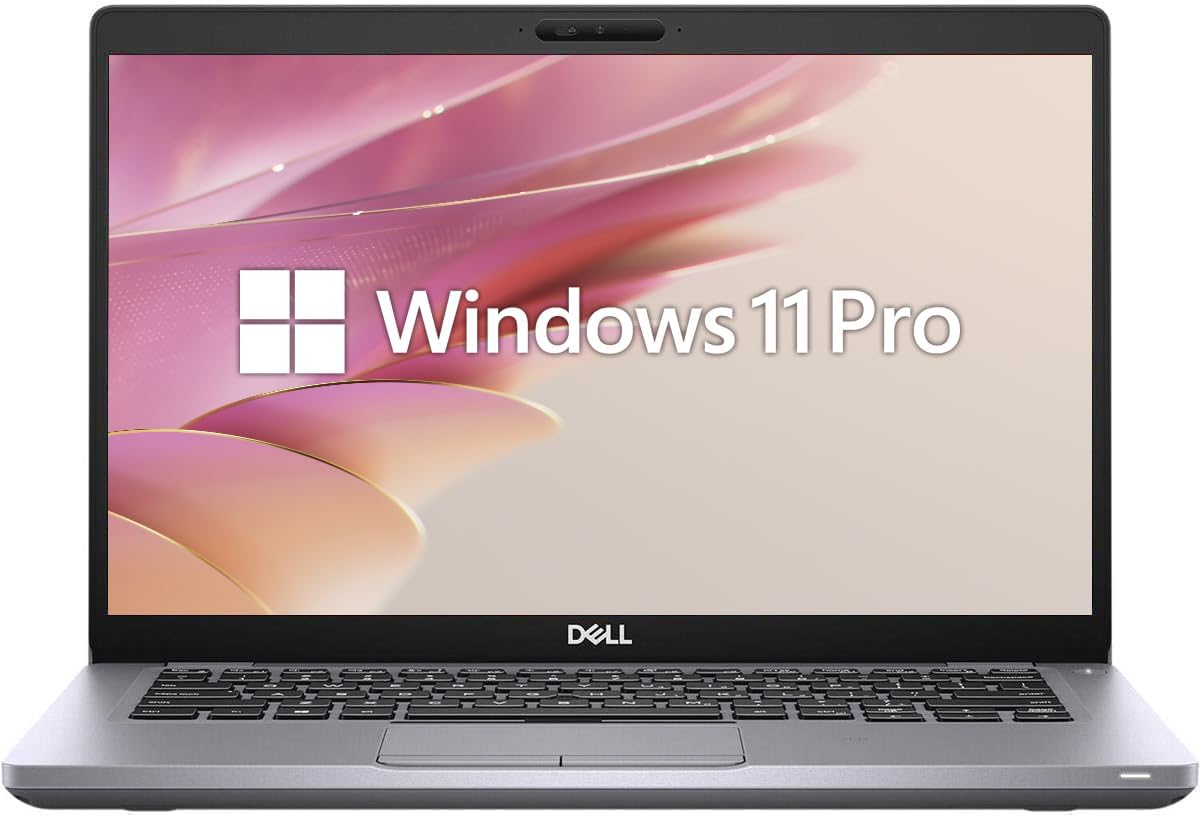
The Dell Latitude 3420 offers a powerful Core i5 processor in a compact 14-inch form factor. It comes with 16GB DDR4 RAM which is sufficient for demanding multitasking scenarios. This model is sold as renewed, often providing significant savings over new units.
We may earn a commission when you buy through this link, at no additional cost to you.
Connectivity is a strong suit with HDMI, Type-C, and the essential RJ-45 Ethernet port. This ensures you can connect to legacy network setups easily. The anti-glare display helps maintain visibility in brightly lit offices or outdoor workspaces.
While renewed products depend on seller grading, this unit typically includes Windows 11 Pro for enhanced security features. The SSD ensures quick boot times and application responsiveness. It is a solid choice for IT departments needing reliable hardware.
This laptop is best for budget-conscious buyers who need enterprise features without the premium price. The Ethernet port adds stability for remote workers. Check the specific seller warranty before finalizing your purchase decision.
The 11th Gen Core i5 processor supports video editing and coding tasks effectively.
USB-C, HDMI, and Ethernet ports allow flexible connection to peripherals and displays.
We may earn a commission when you buy through this link, at no additional cost to you.
The Dell Latitude 5410 is designed for business productivity with a focus on reliability and storage. It features a 512GB SSD which provides ample space for files and applications. The Intel Core i5 processor supports standard office workflows efficiently.
We may earn a commission when you buy through this link, at no additional cost to you.
A Full HD screen ensures clear visuals for spreadsheets and documents. The chassis is built to withstand daily use in corporate environments. Ethernet connectivity is present for users who prefer wired networks over Wi-Fi.
Although the processor is slightly older, it remains capable for most business tasks. The renewed status means potential savings on enterprise hardware. Ensure the device meets your specific performance needs before committing.
This unit is suitable for users needing a durable, functional laptop with secure Windows 11 Pro features. The 512GB storage is a plus for local file storage. Verify the renewed warranty details with the vendor.
512GB SSD allows for storing large datasets and media files locally.
Built with durable materials to withstand daily professional use and travel.
We may earn a commission when you buy through this link, at no additional cost to you.
This Lenovo V15 G6 edition brings modern DDR5 memory to a budget-friendly package. The Intel N100 processor handles basic tasks well while maintaining energy efficiency. It is designed for professionals needing reliable connectivity and portability.
We may earn a commission when you buy through this link, at no additional cost to you.
The 15.6-inch display offers a comfortable workspace for document editing. Gigabit Ethernet ensures stable network speeds for cloud syncing and video conferencing. The design includes a security slot for physical protection.
With 256GB storage, it fits most daily business needs comfortably. The system includes Microsoft 365 online access for productivity apps. While not for heavy computing, it excels at routine administrative tasks.
Ideal for remote workers or light business users, this laptop combines modern tech with essential ports. The Ethernet connection adds reliability where Wi-Fi is weak. Check RAM upgrade options if you need more multitasking power.
DDR5 RAM improves power efficiency and speed for general computing tasks.
Weighs only 3.33 lbs making it easy to carry between meetings.
We may earn a commission when you buy through this link, at no additional cost to you.
Security is a major feature here with TPM 2.0 and a physical webcam shutter. The 16GB LPDDR5 RAM ensures smooth performance across multiple applications. It is built to withstand physical stress with military-grade testing.
We may earn a commission when you buy through this link, at no additional cost to you.
The AMD processor provides efficient power usage for all-day battery life. Ethernet port presence guarantees you can plug into local networks securely. The display is anti-glare for comfort during long workdays.
Storage is 256GB which is standard for this class. Windows 11 Pro offers domain joining and BitLocker capabilities for enterprise users. This model is highly recommended for security-conscious buyers.
If you value privacy and data protection, this laptop is a top contender. The Ethernet port ensures you are not reliant on public Wi-Fi. Confirm storage needs before purchasing as upgrades might be limited.
TPM 2.0 and privacy shutter protect sensitive data and video feeds.
AMD Ryzen processor optimizes power usage for longer unplugged sessions.
We may earn a commission when you buy through this link, at no additional cost to you.
This ThinkPad P14s is built for demanding workflows involving CAD and professional applications. It features 32GB RAM and 1TB storage which handles large datasets efficiently. The AMD Ryzen AI processor accelerates content creation tasks.
We may earn a commission when you buy through this link, at no additional cost to you.
ISV certification means compatibility with industry-standard software like AutoCAD. The Ethernet port is robust for stable data transfer. The chassis meets military standards for durability and reliability.
Windows 11 Pro is standard for enterprise security. While expensive, it justifies the cost for professionals needing high performance. The Thunderbolt 4 port allows for fast external storage connections.
This laptop is perfect for engineers and creative professionals needing a powerful portable workstation. Ethernet ensures reliable connectivity for large file uploads. Check specific ISV certification for your software needs.
AMD Ryzen AI 7 Pro optimizes local AI workflows and data tasks.
MIL-STD-810H testing ensures reliability in tough working environments.
We may earn a commission when you buy through this link, at no additional cost to you.
This HP laptop includes a one-year Office 365 subscription which is valuable for students. It features a lightweight design easy to carry around campus. The processor is suited for light web browsing and document editing.
We may earn a commission when you buy through this link, at no additional cost to you.
It has 4GB RAM which may limit heavy multitasking. Storage is 128GB UFS which is fast but limited. The screen is anti-glare and easy to read in various lighting conditions.
Note that this model does not include a physical Ethernet port. You may need a USB-C adapter for wired connections. It is best for users who rely mostly on Wi-Fi.
Ideal for casual users or students needing basic tools, this machine is user-friendly. The included accessories like earphones add value. Ensure you check connectivity options for your specific network requirements.
One year of Office 365 allows immediate productivity without extra subscription costs.
Lightweight design makes it easy to transport daily.
We may earn a commission when you buy through this link, at no additional cost to you.
This Lenovo V15 features a 13th Gen Core i5 processor which offers significant performance gains. It includes a numeric keypad ideal for accounting or data entry tasks. The 16GB RAM supports smooth multitasking.
We may earn a commission when you buy through this link, at no additional cost to you.
The 512GB SSD provides ample storage for projects and files. Ethernet connectivity ensures you can stay connected reliably in office settings. The display is Full HD for clear text and images.
Windows 11 Pro helps manage secure environments and remote access. The build quality is typical for business laptops focusing on function. It is a strong contender for users needing raw processing power.
Perfect for office workers needing a desktop replacement, this laptop balances speed and connectivity. The RJ45 port is a reliable choice for critical work. Verify thermal performance if you run intensive apps.
13th Gen Core i5 outperforms previous generations in multitasking scenarios.
Numeric keypad simplifies input for financial or administrative tasks.
We may earn a commission when you buy through this link, at no additional cost to you.
This HP model offers a large 17.3-inch display ideal for multitasking and media. The AMD Ryzen 5 processor handles daily business tasks smoothly. It includes 16GB RAM for efficient application switching.
We may earn a commission when you buy through this link, at no additional cost to you.
The screen size helps reduce eye strain during long sessions. Ethernet port ensures stable internet for cloud storage and calls. Windows 11 Copilot integration offers AI-assisted features for productivity.
Due to its size, it is best used as a stationary laptop or for short trips. The battery life is average but sufficient for office hours. It balances screen real estate with connectivity options.
Best for users who prioritize display size and performance, this laptop is a solid desktop replacement. The RJ-45 port adds reliability for home offices. Check dimensions to ensure it fits your workspace.
17.3-inch display provides ample workspace for complex spreadsheets and multitasking.
Windows 11 Copilot helps automate tasks and streamline workflows.
We may earn a commission when you buy through this link, at no additional cost to you.
Selecting a laptop with a physical Ethernet port requires balancing connectivity needs with overall performance specifications.
Choose a processor that matches your workload. Intel Core i5 or AMD Ryzen 5 are standard for office tasks. For heavy data or CAD work, consider Core i7 or Ryzen 7 options.
Prioritize newer generations for better efficiency and longevity in business use.
Minimum 8GB RAM is recommended for Windows 11. 16GB ensures smooth multitasking with multiple applications open. Storage should be at least 256GB SSD for quick boot times.
SSD storage is essential for performance; avoid HDDs for operating systems.
Look for Full HD 1080p resolution for sharp text and images. Anti-glare coatings reduce eye strain in bright offices. A 15.6-inch or larger screen supports better productivity.
Ensure brightness is at least 250 nits for comfortable viewing.
Verify the Ethernet port supports Gigabit speeds (1000Mbps). RJ-45 ports ensure stability for video conferencing. Some thin laptops require USB-C adapters for wired connections.
Built-in ports are more reliable than adapters for daily use.
Ensure enough USB-A and USB-C ports for peripherals. HDMI ports allow connection to external monitors. Audio jacks are needed for headsets during calls.
A mix of ports reduces the need for dongles and hubs.
Enterprise laptops should include TPM chips and webcam shutters. Windows 11 Pro offers BitLocker encryption. Fingerprint readers add physical security layers.
Security is vital for businesses handling sensitive customer data.
MIL-SPEC tested laptops survive drops and shocks better. Quality hinges and keyboards improve longevity. Check warranty terms for peace of mind.
Durable builds reduce long-term maintenance costs.
Windows 11 is the current standard for business compatibility. It supports modern apps and security features. Ensure the license is included in the purchase price.
Upgrading to Pro allows domain joining and enterprise management.
Connect your Ethernet cable securely to the RJ-45 port on the laptop. Ensure the connection light indicates activity. This provides a stable internet connection faster than Wi-Fi.
Update your network drivers regularly to maintain peak Ethernet speed. Check device manager for any driver conflicts. Restart the computer after driver updates to apply changes.
Protect the Ethernet port from dust by using a plastic cover when not in use. Avoid bending the cable sharply near the port. Keep your laptop on a hard surface to prevent overheating.
An Ethernet port provides a stable wired internet connection that is faster and more secure than Wi-Fi. It reduces latency for video calls and supports large file transfers. This is critical for businesses with strict security or speed needs.
No, many modern ultrabooks omit Ethernet ports to save space. You may need a USB-C to Ethernet adapter if the laptop lacks one. Always check the specifications before buying if wired connectivity is a priority.
Windows 11 Pro offers BitLocker encryption, remote desktop, and domain joining features. These tools help secure company data and manage devices centrally. It is generally recommended for corporate environments.
8GB is the minimum for basic web browsing and email. 16GB is ideal for multitasking with multiple browser tabs and office apps. For heavy data processing, consider 32GB configurations.
Many business laptops allow SSD upgrades via M.2 slots. However, RAM may be soldered and non-upgradeable on some models. Check service manuals or product specs for upgrade limitations before purchase.
Renewed laptops from reputable sellers often undergo testing to ensure function. They provide cost savings on business hardware. Always review the warranty and return policy before finalizing your order.
TPM 2.0 is a chip that encrypts hardware and software to secure sensitive data. It prevents unauthorized access even if the laptop is stolen. It is essential for modern Windows security features like BitLocker.
Wi-Fi 6 is fast but wired Ethernet remains more stable and secure for critical tasks. Use Ethernet for large uploads or sensitive data transfers. Wi-Fi is sufficient for general browsing and mobile use.
We highlighted ten laptops ranging from budget options to premium business workstations. The Lenovo V15 and Dell Latitude models offer strong value with essential wired connectivity.
Prioritize RAM and security features if you handle sensitive data regularly. A dedicated Ethernet port ensures reliability for your workflow.
Always verify current availability and specifications as product details may update. Choose the model that fits your specific professional needs and budget.