
HP OmniBook 7 16" OLED
4.0Editor score
Intel Core 9 270H Processor
2K OLED Touchscreen Display
Wi-Fi 7 Connectivity
Finding a laptop with 64GB RAM ensures smooth multitasking for heavy workloads. These machines handle large datasets, virtual machines, and complex software without lag or slowdowns during critical tasks.
We compared ten models based on processor power, storage speed, and display quality. Our selection includes business laptops and creative workstations designed to meet demanding professional requirements efficiently.
Each pick highlights unique strengths like OLED screens or military-grade durability. Prices change frequently so verify current deals before purchasing to ensure you get the best value for your needs.
4.0Editor score

4.3Editor score

4.3Editor score
As an Amazon Associate we earn from qualifying purchases.
The following table provides a side-by-side look at key specifications for each model including processors memory and storage options to help you decide quickly.




This model stands out as a top choice for professionals needing high memory capacity. It holds a solid rating among users who prioritize performance for daily tasks. The combination of fast processing power and ample storage makes it ideal for multitasking.
We may earn a commission when you buy through this link, at no additional cost to you.
The AMD Ryzen 7 7730U processor delivers robust performance for complex workloads. With 64GB of high-bandwidth RAM you can run multiple applications simultaneously without slowdowns. The 2TB PCIe SSD ensures files load quickly and the system boots up rapidly every morning.
While the screen is functional it lacks the brightness found in premium models. The build is sturdy but mostly plastic which may feel less premium than aluminum alternatives. However these trade-offs are acceptable given the powerful internal specs and budget-friendly positioning.
It is perfect for students and business users handling large datasets. If you need a reliable machine for virtual machines or heavy software this laptop offers exceptional value. We recommend it for anyone prioritizing raw power over screen quality.
The 64GB RAM allows seamless switching between heavy applications and browser tabs.
Windows 11 Pro provides enhanced security and management tools for business environments.
We may earn a commission when you buy through this link, at no additional cost to you.
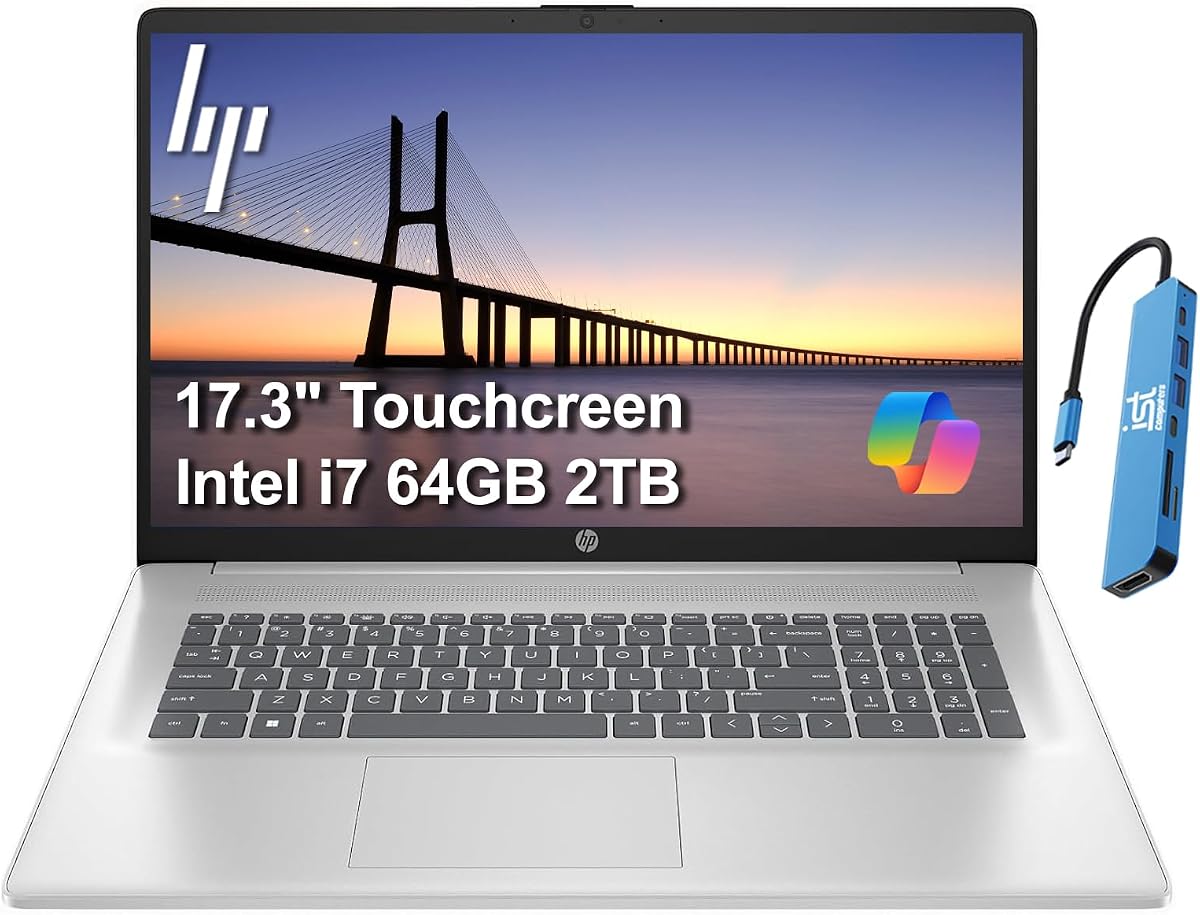
This laptop offers a spacious workspace ideal for detailed document work. Users appreciate the large screen that reduces the need for external monitors. The touchscreen adds versatility for navigating interfaces and viewing content interactively.
We may earn a commission when you buy through this link, at no additional cost to you.
Powered by an Intel Core i7-1355U processor it handles demanding tasks with ease. The 64GB RAM ensures smooth performance even when running resource-intensive software. A fingerprint reader adds a layer of security for accessing your data quickly.
The weight makes it less portable for daily commuting. Battery life can be shorter under heavy load which might limit unplugged usage. These factors are minor compared to the productivity benefits of the large screen and specs.
It suits office workers or students needing a desktop replacement. The touch feature is great for presentations or note-taking. Choose this if you prioritize screen real estate and security features over extreme portability.
The 17.3 inch HD+ display provides ample space for spreadsheets and media.
Integrated fingerprint reader offers quick and secure biometric login.
We may earn a commission when you buy through this link, at no additional cost to you.
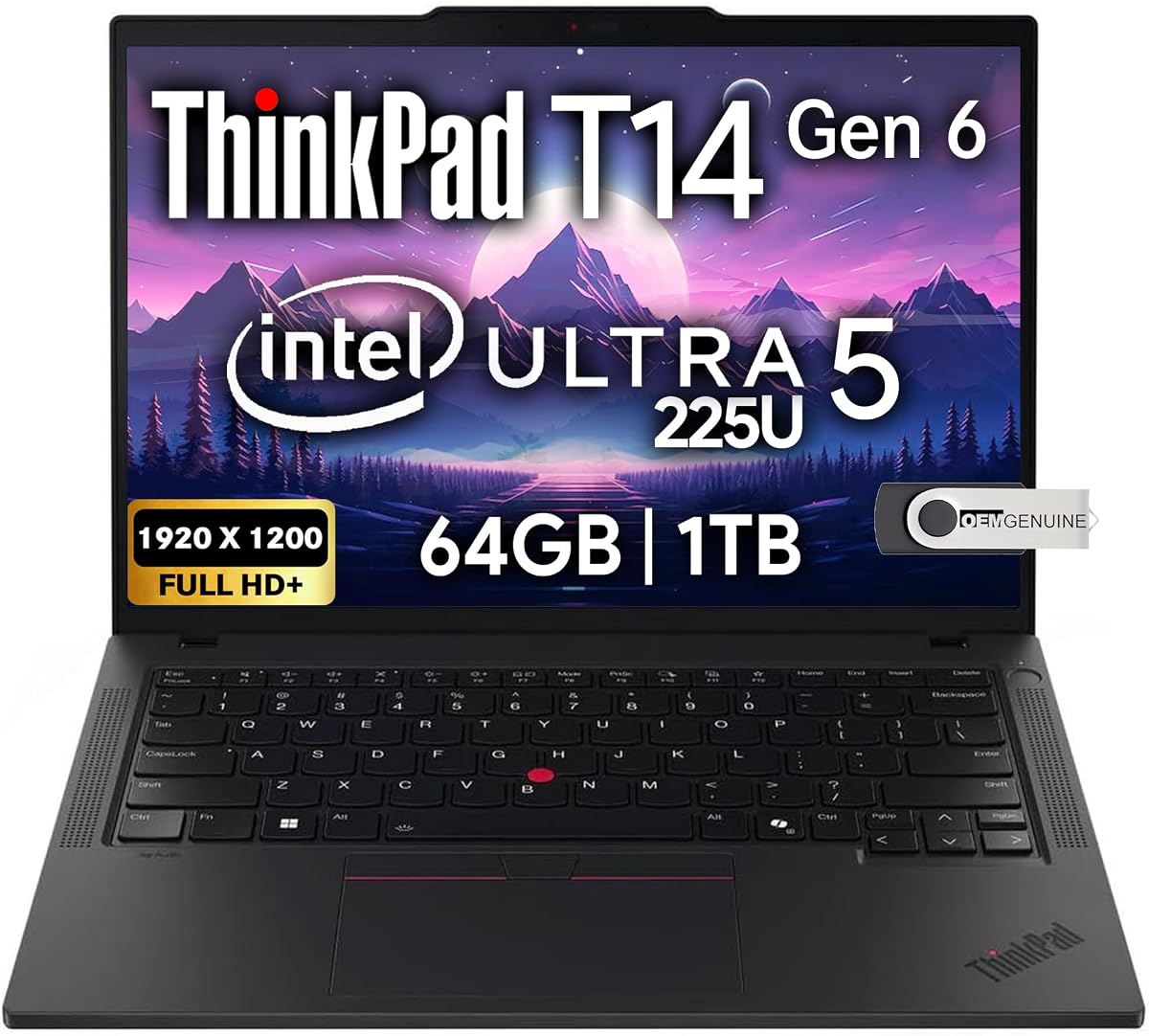
The ThinkPad series is renowned for reliability and keyboard quality. This Gen 6 model brings new AI features and faster memory. It is built to withstand rough handling in travel environments.
We may earn a commission when you buy through this link, at no additional cost to you.
The Intel Ultra 5 processor and DDR5 RAM deliver efficient performance. The 5MP webcam ensures clear video calls. Thunderbolt 4 ports allow for fast data transfer and connectivity to high-res displays.
The cost is higher than consumer laptops but justified by durability. The port selection relies on adapters for some legacy devices. This is acceptable for professionals who value build quality over raw specs.
It is ideal for frequent travelers and corporate users. The compact 14-inch form factor fits easily in bags. Choose this for a premium experience with strong security and reliability.
MIL-STD 810H certification ensures the device survives harsh conditions.
Thunderbolt 4 ports enable fast charging and data transfer.
We may earn a commission when you buy through this link, at no additional cost to you.
This package offers everything needed to start working immediately. It includes Office and extra accessories to reduce setup time. The value proposition is strong for budget-conscious buyers.
We may earn a commission when you buy through this link, at no additional cost to you.
The Intel Core i5 provides solid daily performance for office tasks. The 64GB RAM handles multitasking well. The bundled earphones and docking station add convenience for remote work.
The processor is older so it may lag on heavy creative work. The weight makes it less portable for daily travel. These drawbacks are minor for a stationary desktop replacement setup.
It is great for home offices or small businesses. The included software saves money and time. Choose this if you need a complete workstation package quickly.
Pre-installed software and accessories reduce initial setup hassles.
Large screen supports efficient document and spreadsheet management.
We may earn a commission when you buy through this link, at no additional cost to you.
This model boasts a vibrant OLED screen that is perfect for creators. The color accuracy and contrast are superior to standard displays. It feels like a high-end device designed for performance.
We may earn a commission when you buy through this link, at no additional cost to you.
The Intel Core 9 processor is powerful enough for heavy editing. The backlit keyboard ensures typing comfort in low light. Wi-Fi 7 support prepares you for future network standards.
The cost is significant compared to standard business laptops. Battery life may suffer when using the screen at full brightness. These trade-offs are worth it for those prioritizing visual fidelity.
It is ideal for designers and media professionals. The touch interface adds flexibility for creative tasks. Choose this if you want the best display available in a 64GB RAM laptop.
OLED technology provides deep blacks and vibrant color reproduction.
Wi-Fi 7 ensures connectivity speeds keep pace with future demands.
We may earn a commission when you buy through this link, at no additional cost to you.
This device focuses on practical productivity features for business use. The large touch display helps with multitasking on the go. Privacy features give users control over their video calls.
We may earn a commission when you buy through this link, at no additional cost to you.
The Intel Core 7 processor offers a balance of speed and efficiency. 2TB storage means you rarely worry about space. The AI Copilot key provides quick access to helpful tools.
The screen resolution is not the highest available in this class. The materials feel durable but not premium. For general office use these are negligible downsides.
It is suitable for remote workers needing large workspace. The AI features streamline daily tasks efficiently. Choose this for a practical laptop with excellent storage.
Webcam shutter ensures you control when the camera is active.
Dedicated Copilot key simplifies access to intelligent assistance.
We may earn a commission when you buy through this link, at no additional cost to you.
This model is the most affordable option with high memory capacity. It is designed for general tasks that need RAM. The lightweight build makes it easy to carry around.
We may earn a commission when you buy through this link, at no additional cost to you.
The Ryzen 3 processor handles everyday computing well. Having 64GB RAM is rare at this price point. It ensures smooth performance for web browsing and document work.
It lacks the power for heavy gaming or rendering. No mouse is included in the box. These are acceptable trade-offs for the memory specs you get.
It is perfect for students or casual home users. If you need a budget laptop for basic tasks this is a smart pick. It delivers incredible value for the money.
You get 64GB RAM without paying premium prices for it.
Lightweight chassis makes it easy to carry between rooms.
We may earn a commission when you buy through this link, at no additional cost to you.
This laptop is a strong choice for students and casual users. The high rating shows user satisfaction with its performance. The touchscreen adds versatility for note-taking and navigation.
We may earn a commission when you buy through this link, at no additional cost to you.
The Ryzen 5 processor is efficient for multitasking. The backlit keyboard helps typing at night. The numeric keypad is useful for data entry tasks.
It has less RAM than the other models listed here. Battery life could be better for all-day use. For light workloads these are minor issues.
It is suitable for school projects and home use. The touch display is great for interactive tasks. Choose this if you need a reliable daily driver.
Full HD IPS panel offers clear and vibrant visuals.
Responsive touch control enhances interaction with the OS.
We may earn a commission when you buy through this link, at no additional cost to you.
This model is highly rated for its balanced specifications. It offers a great mix of power and usability for work. The touch interface adds to its versatility.
We may earn a commission when you buy through this link, at no additional cost to you.
The Ryzen 7 processor supports fast boot times. The 2TB SSD provides ample space for projects. Copilot key helps simplify complex tasks quickly.
The webcam is standard definition but clear enough for calls. The design is functional but not unique. These details do not impact overall performance significantly.
It is great for professionals needing mobility. The fast charging reduces downtime during the day. Choose this for a reliable balance of features.
Up to 11 hours of usage keeps you productive on the go.
Copilot key provides instant access to smart assistance.
We may earn a commission when you buy through this link, at no additional cost to you.
This device comes with a full accessory bundle for setup. It is designed to work out of the box easily. The large screen and keyboard support efficient typing.
We may earn a commission when you buy through this link, at no additional cost to you.
The Ryzen 5 processor handles office tasks well. 64GB RAM and 2TB SSD ensure storage and speed. The wireless mouse adds convenience for desktop use.
It is bulky for travel but great for a desk setup. The materials are functional and durable. These factors are acceptable for a fixed workstation.
It is perfect for home offices needing a desktop replacement. The bundle saves time on setup. Choose this for a complete and ready-to-use package.
Includes wireless keyboard and mouse for immediate productivity.
Large keyboard and screen reduce strain during long sessions.
We may earn a commission when you buy through this link, at no additional cost to you.
Choosing a laptop with 64GB RAM involves looking at more than just memory. You need to consider processors storage and display to match your specific workflow needs.
Ensure the processor matches the RAM to avoid bottlenecks. A Ryzen 7 or Intel Core i7 usually pairs best with 64GB for high performance. Check that the chipset supports the memory speed for best results.
Look for modern generations that support DDR5 if possible for faster speeds.
With 64GB RAM you should also have ample storage for files. Aim for at least 1TB SSD to keep your system running fast and store large projects locally. NVMe SSDs are faster than standard SATA drives for quick access.
Prioritize NVMe SSDs for the best boot and file transfer speeds.
A good screen is essential for working long hours. Look for IPS panels with at least 1080p resolution for clear text. Higher brightness helps in bright environments like offices or outdoors.
Prioritize IPS panels for wide viewing angles and color accuracy.
Check if the laptop comes with Windows 11 Pro or Home. Pro offers better security and management tools for business users. Home is fine for general use but lacks some enterprise features.
Choose Windows 11 Pro if you need remote desktop capabilities.
Large screens often mean heavier laptops. Consider how often you carry your device to work or school. If you travel daily a 14-inch model might be better than a 17-inch one.
Weigh portability against screen size for your daily routine.
Look for enough USB ports and HDMI connections for your peripherals. Wi-Fi 6 is standard but Wi-Fi 7 is better for future proofing. Ensure there is a headphone jack for audio needs.
Check for Thunderbolt 4 ports if you need fast external storage.
High RAM and powerful processors can drain battery quickly. Look for models rated for at least 8 hours of real-world use. Fast charging is a bonus if you often forget to plug in.
Prioritize battery life if you work away from outlets regularly.
Laptops with 64GB RAM vary in price based on brand and specs. Determine how much you are willing to spend before browsing. Sometimes upgrading RAM later is cheaper than buying it pre-installed.
Focus on core specs like CPU and SSD over brand name.
Proper ventilation is key to keeping the laptop cool. Place it on a hard surface to allow airflow through the vents. Avoid using it on soft surfaces like a bed which can block cooling.
Regularly update your system to ensure compatibility with software. Use the built-in tools to check for updates weekly. Keeping the OS current helps maintain security and performance.
Clean the screen with a soft microfiber cloth to avoid scratches. Use compressed air to blow dust out of the ports periodically. These steps keep your device looking new and working well.
For most everyday tasks like browsing or word processing, 8GB or 16GB is usually enough. However, if you use virtual machines or heavy creative software, 64GB ensures smooth performance without bottlenecks.
Many modern laptops have soldered memory which cannot be upgraded. Always check if the RAM slots are accessible or if the memory is on-board before purchasing to ensure future flexibility.
DDR5 is faster and more efficient than DDR4, offering higher bandwidth. It is becoming standard in newer models and helps improve multitasking performance with 64GB capacity.
Yes, Windows 11 Home supports up to 128GB of RAM. You do not need Pro version for memory capacity, but Pro offers better security features and remote desktop capabilities.
Check if the SSD is at least 1TB for storing large files comfortably. SSDs are faster than HDDs and crucial for quick boot times and application loading speeds.
Most of these are business models with integrated graphics. They are great for light gaming but not high-end AAA titles. For serious gaming, look for models with dedicated graphics cards.
Most manufacturers provide a standard 1-year warranty on parts. Some sellers offer extended warranties for specific components. Always check the policy details before buying for extra protection.
Brightness affects visibility in different lighting conditions. Higher nits allow you to use the laptop outdoors or in bright offices without strain. Aim for at least 300 nits for best results.
We have reviewed ten excellent laptops with 64GB RAM for various needs. The HP 255 G10 and OmniBook 7 stand out for value and premium features respectively. Each offers a unique balance of performance and design.
Focus on processor speed and storage type when making your decision. A fast SSD and modern CPU ensure your investment lasts longer. Consider portability if you travel often for work.
Prices and availability change so check current offers before buying. Compare specs carefully to ensure the model fits your specific workflow. With the right choice you will have a reliable tool for years.