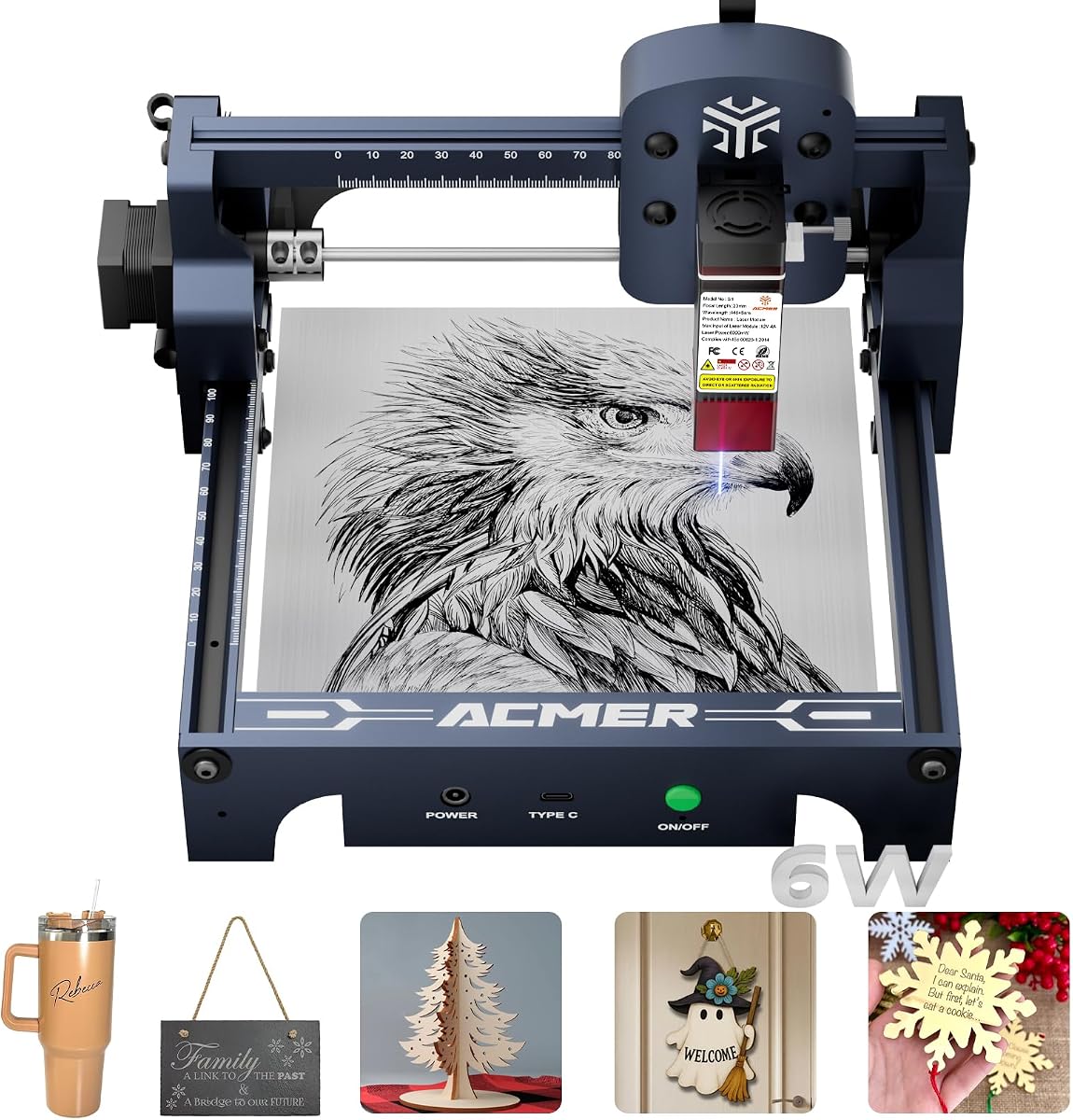
ACMER S1 Laser Engraver
4.3Editor score
6000mW diode laser
99 percent preassembled
Compact 130mm workspace
This comprehensive guide compares the top Acmer laser engraver models for accuracy, speed, and safety to help you choose the right machine for your projects.
Finding the right laser engraver can transform your creative projects into professional results. Acmer offers a diverse range of diode laser machines designed for hobbyists and small businesses seeking precision and reliability in their crafting workflow.
We evaluated each model based on laser power, workspace size, software compatibility, and safety features. Our analysis focuses on real-world performance metrics and user feedback to ensure you get a clear picture of what each machine delivers.
Each product pick highlights key strengths and ideal use cases to guide your decision. Keep in mind that availability and specific offers change frequently so verify current details before making your final purchase selection.
4.3Editor score

4.4Editor score

5.0Editor score
The following table provides a side by side overview of key specifications for each model to help you quickly identify which machine matches your specific needs and budget constraints.


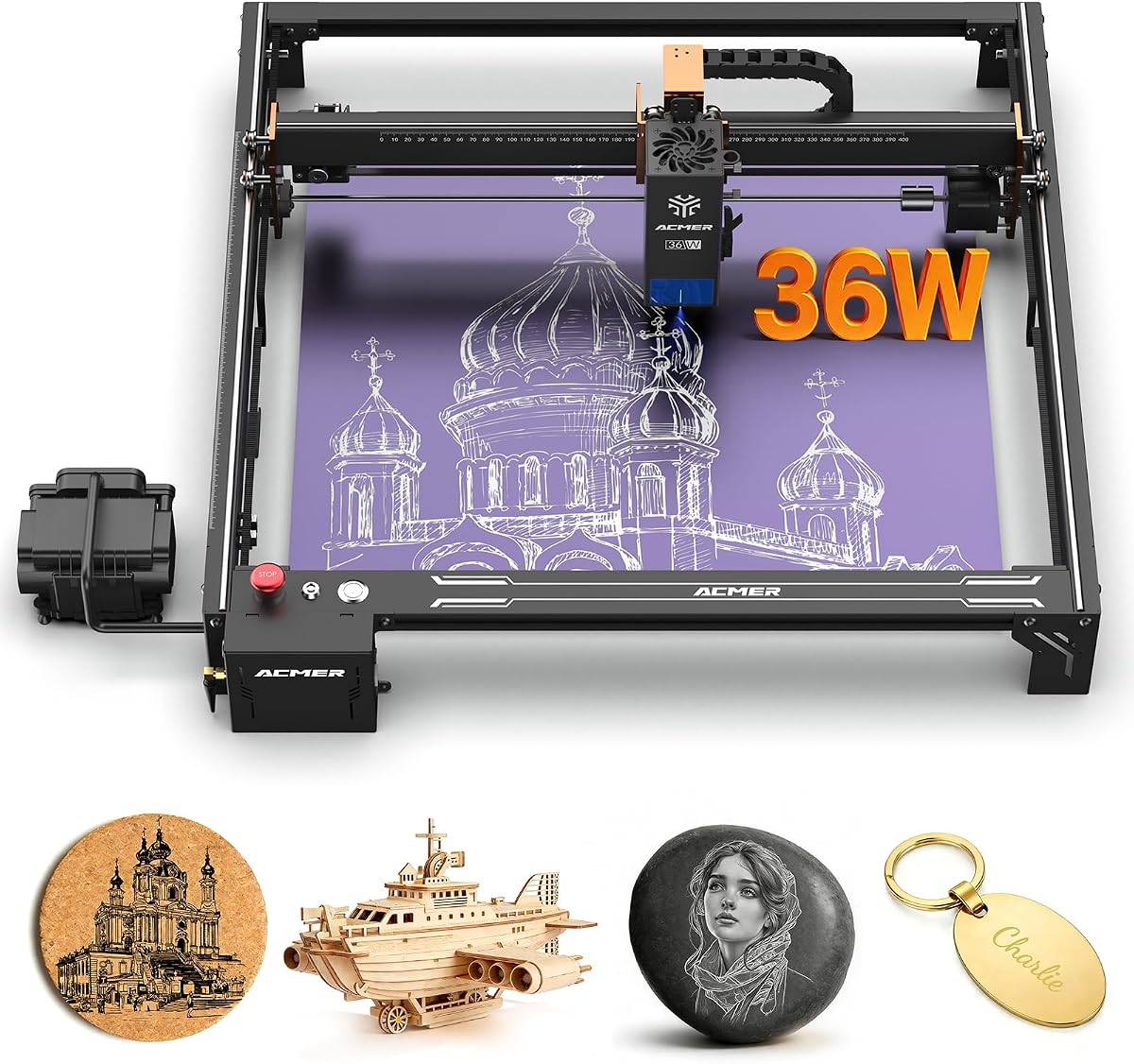
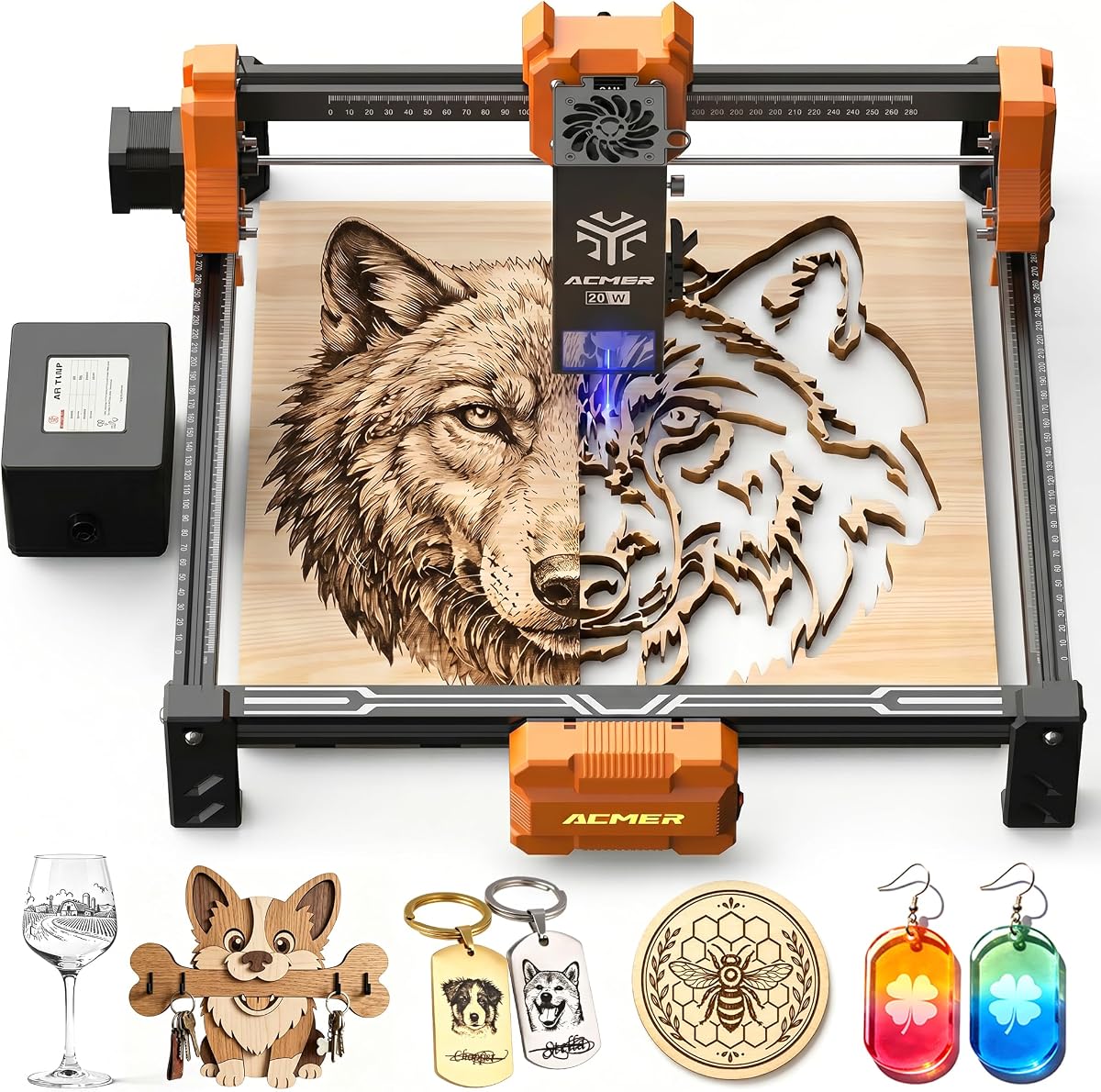
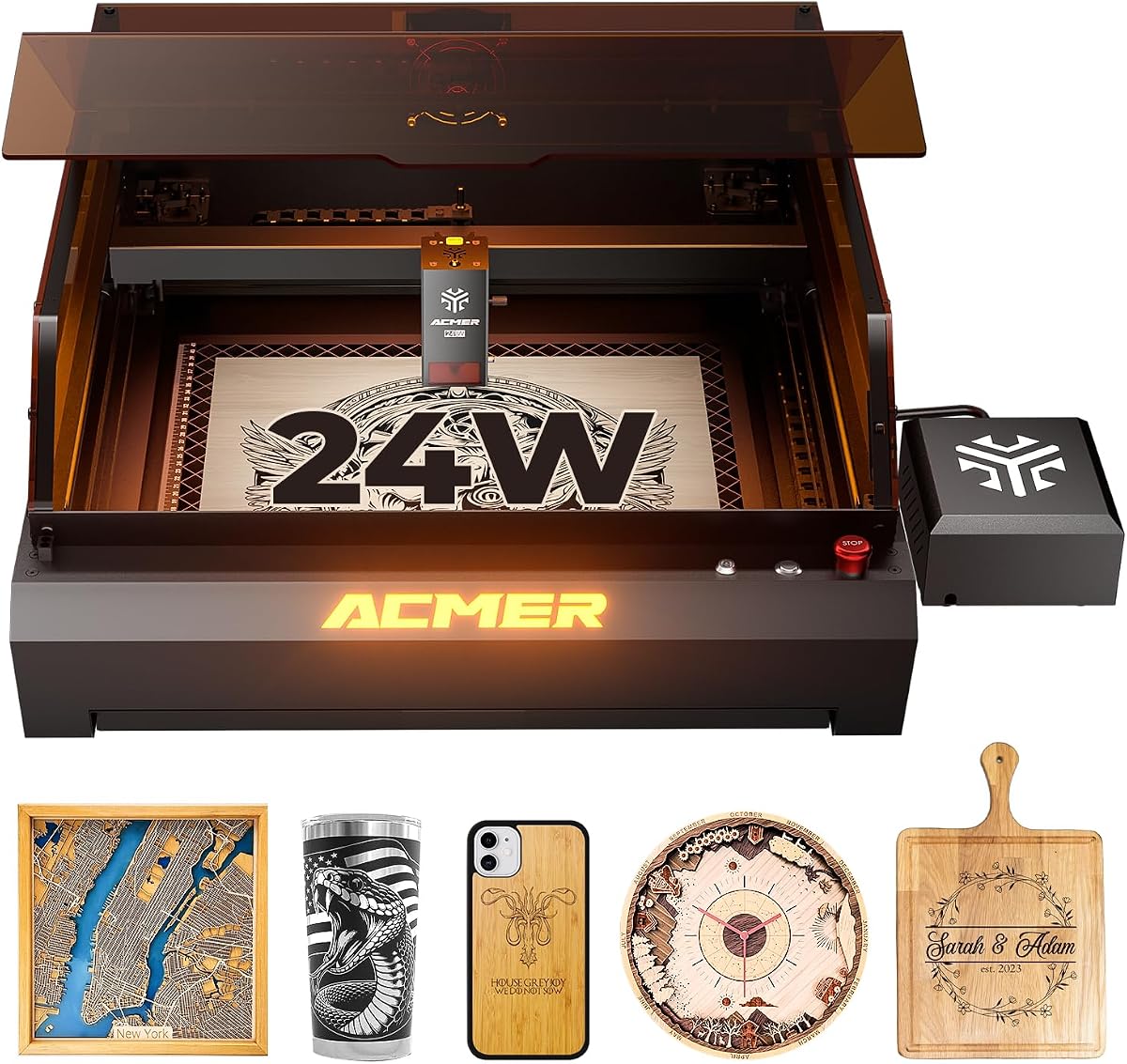

The ACMER S2 stands out as a top performer with its true 12W laser module and versatile software compatibility. It delivers consistent results across a wide variety of materials making it suitable for both detailed engraving and deeper cutting tasks.
We may earn a commission when you buy through this link, at no additional cost to you.
Its 0.01mm positioning accuracy ensures fine details are reproduced cleanly while the spacious workspace accommodates larger projects without constant repositioning. The included safety features like the anti UV shield provide peace of mind during operation.
Users may find the initial setup and software configuration take time to master but the flexibility gained is worth the effort. The ability to expand with rotary modules and air assist adds long term value to the investment.
This machine is ideal for makers looking to balance performance and affordability. It offers professional grade capabilities that grow with your skills without requiring a massive upfront budget.
Compatible with ACMER Studio LightBurn and LaserGRBL for flexible project management.
Optional accessories allow you to engrave cylindrical objects and taller workpieces.
We may earn a commission when you buy through this link, at no additional cost to you.
This variant of the S2 emphasizes speed and beginner friendly software tools. The built-in AI capabilities help turn simple text or photos into engraving designs quickly reducing the technical barrier for new users.
We may earn a commission when you buy through this link, at no additional cost to you.
With speeds reaching up to 10000mm/min and a robust laser module it handles high volume projects efficiently. The 99 percent preassembled design means you can start working almost immediately after unboxing.
While it offers impressive performance the lack of an enclosed safety system means extra precautions are needed during use. Noise levels can increase at higher speeds which may be a consideration for quiet environments.
It is a strong choice for hobbyists who want quick results without complex setup processes. The combination of power and ease of use makes it a reliable option for casual crafting needs.
Turn text prompts or photos into designs using built-in AI functionality.
Advanced chip enables rapid engraving cycles for efficient production.
We may earn a commission when you buy through this link, at no additional cost to you.
The S1 is an excellent entry point for those testing the waters of laser engraving. Its compact size and lightweight build make it easy to store and move around your workshop or home office.
We may earn a commission when you buy through this link, at no additional cost to you.
Despite its budget friendly nature it delivers respectable precision and speed for small projects. The 2 in 1 engraving and cutting capability covers most common DIY materials like wood and leather effectively.
The main limitation is the smaller workspace which restricts the size of signs or art pieces you can create in one session. Power output is also lower so thick materials require multiple passes to cut.
For hobbyists with limited space and budget this model provides the best value. It removes the complexity of setup and offers a straightforward path to creating personalized items.
Compact dimensions fit easily on desktops or small workbenches.
Minimal assembly required to begin engraving within minutes.
We may earn a commission when you buy through this link, at no additional cost to you.
This model prioritizes safety and ease of use with features like motion detection and protective shielding. It is well suited for home workshops where safety protocols might be less strict than in professional settings.
We may earn a commission when you buy through this link, at no additional cost to you.
The 7W laser handles most engraving tasks comfortably and can cut thin materials with multiple passes. The user friendly software allows for quick adjustments and project management without frustration.
While it lacks the raw power of higher end models it provides a balanced experience for general crafting. The safety features add significant value for users concerned about accidental exposure during operation.
It is a reliable choice for educators or families looking to introduce laser engraving safely. The combination of simplicity and protection makes it a stress free option for creative projects.
Motion detection pauses operation when abnormal movement is detected.
Add-ons like risers allow engraving on taller or cylindrical objects.
We may earn a commission when you buy through this link, at no additional cost to you.
The P1 S Pro brings significant power to the table with its 20W module and integrated air assist. This combination minimizes burn marks and improves edge quality especially on wood and acrylic.
We may earn a commission when you buy through this link, at no additional cost to you.
Its precision spot size ensures sharp lines and smooth gradients ideal for detailed artwork. The acceleration capabilities allow for smooth movement during high speed engraving reducing vibration artifacts.
The increased power comes with a higher price point but the reduction in post-processing time justifies the investment. Users looking for production quality finishes will appreciate the consistent results.
This machine is recommended for small business owners who need reliable output. It balances speed and quality in a way that supports consistent project delivery.
Air assist reduces smoke residue and protects the lens during operation.
Lens technology supports up to 8000 hours of operational lifespan.
We may earn a commission when you buy through this link, at no additional cost to you.
The S2 Pro is designed for users who need larger work areas and industrial level stability. Dual linear rails reduce vibration ensuring consistent precision even at high speeds.
We may earn a commission when you buy through this link, at no additional cost to you.
Its air assist pump clears debris efficiently while the gyroscope sensor prevents accidental operation if the unit tilts unexpectedly. Connectivity options include WiFi and TF card for versatile workflow integration.
Setup can be more involved compared to compact models and the power requirements are substantial. However the performance gains in speed and area make it a worthy upgrade for serious makers.
This model suits small businesses requiring higher throughput and larger format output. The combination of size and power provides a professional platform for diverse projects.
WiFi and TF card support enable offline engraving without a PC.
Dual linear rail system ensures smooth movement and alignment accuracy.
We may earn a commission when you buy through this link, at no additional cost to you.
This machine delivers a solid balance of power and precision for regular use. The air assist helps maintain clean edges and the 20W power handles thick materials with ease.
We may earn a commission when you buy through this link, at no additional cost to you.
Limit switches define the working area accurately preventing damage from over travel. The compact yet spacious design fits well in most workshop environments without compromising capability.
Operation requires a dedicated space due to its size and the air pump adds to the ambient noise. However the quality of output remains consistent and reliable across different materials.
It is a practical choice for makers upgrading from entry level devices. The performance boost and safety features provide a smooth transition to more serious production.
Air assist improves edge quality on wood and acrylic by reducing residue.
Limit switches prevent frame collisions during operation for safety.
We may earn a commission when you buy through this link, at no additional cost to you.
The P3 represents the pinnacle of safety and power in this lineup. A fully enclosed design reduces smoke and noise significantly while Class I safety ensures minimal risk during operation.
We may earn a commission when you buy through this link, at no additional cost to you.
Switchable laser modes allow you to choose between speed and precision depending on the task. The visual camera helps with material alignment making setup quick and accurate for complex projects.
Investment costs are high and the machine requires more physical space. However the safety features and production capabilities are unmatched for professional environments or schools.
This is the ideal solution for those prioritizing safety and high volume output. It transforms laser engraving into a streamlined safe process with minimal supervision needed.
Fire detection and over-temperature protection prevent accidents during use.
Camera module assists with precise material positioning for accurate cuts.
We may earn a commission when you buy through this link, at no additional cost to you.
This model combines safety with desktop friendly dimensions and a large working area. The closed housing reduces smoke pollution and contains noise making it suitable for home studios.
We may earn a commission when you buy through this link, at no additional cost to you.
The camera module aids in positioning ensuring high accuracy without manual adjustments. Performance is stable at high speeds thanks to the aviation grade aluminum frame.
Accessing internal parts for maintenance requires care due to the enclosed design. However the benefits of safety and efficiency outweigh these minor inconveniences for most users.
It is a top recommendation for those wanting enclosed safety without sacrificing workspace. The features support both hobby and small business needs effectively.
Built-in camera allows precise positioning for complex engraving tasks.
Aviation grade aluminum ensures stability during high speed motion.
We may earn a commission when you buy through this link, at no additional cost to you.
This model offers a spacious workspace with convenient wireless control options. The modular frame simplifies assembly and maintenance while the safety certification ensures safe operation in shared spaces.
We may earn a commission when you buy through this link, at no additional cost to you.
While power is modest the large bed allows for bigger prints without repositioning. It is ideal for detailed engraving rather than deep cutting which suits many decorative projects.
WiFi control adds flexibility but may occasionally require network troubleshooting. For users prioritizing space and ease of access over raw power this unit is a strong contender.
It is a great fit for casual crafters needing room for large layouts. The combination of connectivity and size makes it a versatile tool for everyday use.
WiFi control enables remote operation without being tethered to a PC.
Modular frame design makes installation and maintenance quick and hassle-free.
We may earn a commission when you buy through this link, at no additional cost to you.
Selecting the right laser engraver depends on understanding your material needs and workspace constraints. This guide breaks down the key factors to help you narrow your options efficiently.
Power determines how fast and deeply you can cut materials. Higher wattage is better for thick wood or acrylic while lower wattage suffices for light engraving on wood or leather.
Choose power based on your most common projects to avoid overpaying or underperforming.
The bed size dictates the maximum material size you can engrave at once. Larger beds reduce repositioning for big projects but require more floor space in your workshop.
Measure your typical projects before deciding on a workspace footprint to ensure fit.
Precision affects the sharpness of small text and intricate patterns. Look for machines with fine spot sizes and accurate positioning to ensure clean detailed results.
High accuracy is crucial for professional logos or photo engraving tasks.
Software determines how easy it is to prepare and manage designs. Check for support of popular tools like LightBurn or proprietary apps that match your workflow preferences.
Flexible software options reduce learning curves and increase productivity.
Safety features like protective shields and motion detection prevent accidents during operation. Enclosed designs offer higher protection especially if you work around children or pets.
Prioritize safety certifications and sensors to ensure a secure working environment.
Air assist pumps clear smoke and debris to reduce burn marks and protect lenses. This feature improves cutting edge quality and extends component lifespan over time.
Look for models with built-in or optional air assist for cleaner professional results.
Expandability allows you to adapt the machine as your skills grow. Rotary modules and risers enable engraving on cylindrical objects and taller pieces without buying new hardware.
Check accessory availability before purchasing to ensure future flexibility.
Connectivity like WiFi or USB card support simplifies transferring designs to the machine. Wireless options are convenient for mobile workflows while USB ensures stable direct connections.
Choose connectivity that matches your preferred method of file transfer.
Start by securing your material on the bed and adjusting the focal height according to the manual instructions. Ensure the workspace is well ventilated to avoid smoke buildup during long sessions.
Use protective eyewear and never leave the machine unattended while the laser is active. Regularly clean the lens and rails to maintain performance and prevent debris interference.
Update firmware and software periodically to access new features and stability improvements. Store the machine in a dry place and cover it when not in use to extend its lifespan.
These machines handle wood leather acrylic coated metals bamboo ceramic and more. Specific capabilities depend on power levels with higher wattage required for thicker or denser materials.
They work with ACMER Studio as well as popular third party apps like LightBurn and LaserGRBL. This flexibility allows users to choose familiar tools based on preference.
Many models include protective shields motion detection and eye protection gear. Enclosed units offer higher safety standards by containing smoke and reducing laser exposure risks.
Yes most models support optional rotary modules for engraving tumblers bottles and mugs. Check product descriptions to confirm compatibility with rotary accessories.
High end modules can last up to 8000 hours of operation depending on usage intensity. Proper maintenance such as lens cleaning helps maximize this lifespan.
Air assist improves edge quality by removing smoke and debris during cutting. While not strictly required it is highly recommended for clean professional results on wood and acrylic.
Regularly clean the lens with lint-free cloth and isopropyl alcohol. Inspect mirrors and rails for dust or debris that could affect accuracy or speed.
The S1 model features a high-performance multi-core processor capable of controlling multiple units. Other models typically support single machine operation unless specified otherwise.
The ACMER lineup offers diverse options ranging from compact budget units to high power professional systems. Selecting the right model depends on balancing power safety and workspace needs.
Prioritize features that align with your material choices and production volume to ensure satisfaction. Higher wattage and safety systems provide long term value for growing businesses.
Always check current availability and verify warranty terms before finalizing your purchase. These machines offer powerful tools for creativity and productivity when matched to your requirements.