
Acer Nitro KG271U N3bmiipx
4.5Editor score
180Hz refresh rate
0.5ms response time
AMD FreeSync support
Finding the perfect display for your gaming rig requires balancing resolution, refresh rate, and color accuracy. The 27 Inch WQHD 1440p Gaming Monitors category offers the sweet spot for sharp visuals and smooth motion without overwhelming your graphics card.
We evaluated ten leading models based on panel technology, response times, and ergonomic features. Our analysis focuses on how each screen handles fast-paced action while maintaining image quality for both competitive play and creative workloads.
Each selection below highlights specific strengths like refresh rates, adaptive sync support, and build quality. Please note that pricing and availability fluctuate regularly, so verify current deals before making your final purchase decision today.
4.5Editor score

4.6Editor score

4.6Editor score
As an Amazon Associate we earn from qualifying purchases.
This side-by-side comparison highlights the key specifications and unique features of each selected monitor to help you identify the best fit for your specific gaming needs and budget constraints.


The Acer Nitro KG271U stands out as an exceptional choice for gamers seeking high performance without breaking the bank. With a solid 4.5 star rating from users, it delivers crisp visuals and smooth motion that rival more expensive options.
We may earn a commission when you buy through this link, at no additional cost to you.
Its standout feature is the rapid 0.5ms Gray-to-Gray response time which minimizes motion blur during intense gameplay. The 180Hz refresh rate ensures fluid transitions while the IPS panel maintains wide viewing angles and accurate colors for creative tasks.
While it lacks some premium features like HDR certification or advanced ergonomics, the trade-off is a highly competitive price. This makes it an ideal entry point for those upgrading from lower resolution displays to true WQHD gaming.
We recommend this monitor for budget-conscious gamers who prioritize speed and clarity. It offers a near-perfect balance of performance and value for competitive shooters and strategy games alike.
The rapid response time ensures minimal ghosting during fast action sequences.
Supporting DCI-P3 95% makes it suitable for photo and video editing tasks.
We may earn a commission when you buy through this link, at no additional cost to you.
The ASUS TUF Gaming VG27AQ3A earns our top pick for its comprehensive feature set that supports both competitive play and multimedia use. Users appreciate the 4.6 star rating which reflects reliability and visual excellence across various scenarios.
We may earn a commission when you buy through this link, at no additional cost to you.
Its ELMB Sync technology allows variable refresh rates and motion blur reduction to work simultaneously eliminating tearing while keeping motion sharp. This combined with G-Sync compatibility ensures seamless gameplay regardless of your graphics card brand or driver settings.
The inclusion of built-in speakers adds convenience for casual use though audiophiles might prefer headphones. Color accuracy is high with 130% sRGB coverage making it versatile for both gaming and creative content creation projects easily.
For gamers needing a versatile monitor that excels in all areas this model is highly recommended. It balances performance features and build quality effectively for long-term satisfaction and usage.
ELMB Sync reduces ghosting while maintaining variable refresh rate benefits.
High sRGB coverage ensures accurate colors for designers and editors.
We may earn a commission when you buy through this link, at no additional cost to you.
The Acer Nitro XV271U M3bmiiprx combines high-speed performance with exceptional ergonomic adjustments making it ideal for long gaming sessions. Its 4.5 star rating confirms user satisfaction with both visual clarity and physical flexibility options provided.
We may earn a commission when you buy through this link, at no additional cost to you.
Featuring a full ergonomic stand this model supports height swivel tilt and pivot adjustments allowing you to position the screen perfectly for comfort or multitasking. This physical flexibility sets it apart from competitors that offer fixed or limited stand options.
Performance remains strong with a 180Hz refresh rate and 0.5ms response time ensuring smooth motion and minimal blur. The inclusion of multiple ports and cables simplifies setup for users connecting multiple devices simultaneously.
We suggest this monitor for those who value comfort alongside speed and performance. It is perfect for workstations where screen positioning is critical alongside demanding gaming requirements regularly.
Full range stand movement reduces strain during extended daily use periods.
Multiple DisplayPort and HDMI inputs support multi-device setups easily.
We may earn a commission when you buy through this link, at no additional cost to you.
The Samsung Odyssey G5 G51F delivers a deeply immersive gaming experience thanks to its distinct curved panel design. With a 4.7 star rating users love how the curve wraps around their field of view to enhance spatial awareness in games.
We may earn a commission when you buy through this link, at no additional cost to you.
Its HDR10 support provides brighter highlights and deeper shadows which add realism to compatible games. The Black Equalizer feature is particularly useful for spotting enemies in dark areas without adjusting overall brightness manually.
While curved screens can make flat text look slightly distorted for office work they excel in gaming and entertainment scenarios. The 180Hz refresh rate keeps action fluid while AMD FreeSync prevents screen tearing during fast movement.
This monitor is best for players who prioritize immersion over flat-screen precision. It is a strong choice for those looking to enhance their single-player and RPG gaming experiences significantly.
The curved design creates a more enveloping view for realistic gaming.
Black Equalizer boosts visibility in dark game areas for better tactical play.
We may earn a commission when you buy through this link, at no additional cost to you.
The SANSUI 27 Inch WQHD offers one of the highest refresh rates available at this price point appealing to competitive gamers who need every advantage possible. Its 4.4 star rating suggests it delivers consistent performance despite being an emerging brand in the market.
We may earn a commission when you buy through this link, at no additional cost to you.
Pushing up to 200Hz via DisplayPort this monitor provides exceptionally smooth motion that can reduce input lag perceptually. The inclusion of eye care features like low blue light ensures comfort during long sessions without compromising visual clarity.
While it lacks built-in speakers the metal stand provides durability and stability on your desk. Game assistant modes like crosshairs and timers offer tactical advantages that can improve performance in shooter and strategy titles.
We recommend this for gamers focused purely on frame rate and responsiveness. It is an excellent value for those seeking top-tier speed without investing in premium brand names.
200Hz refresh rate provides superior smoothness for competitive play.
Low blue light tech reduces strain during extended daily usage.
We may earn a commission when you buy through this link, at no additional cost to you.
This SANSUI model distinguishes itself with a wide color gamut coverage that rivals more expensive monitors. A 4.4 star rating indicates that users are impressed by the vibrant and accurate colors it produces for both gaming and media consumption.
We may earn a commission when you buy through this link, at no additional cost to you.
Its Fast IPS panel supports up to 200Hz refresh rate ensuring smooth motion while maintaining color consistency across different viewing angles. The height adjustable stand adds significant ergonomic value usually missing at this price tier.
Low Motion Blur technology helps sharpen moving images reducing blur in fast-paced scenes. While support channels may be limited compared to major brands the hardware performance speaks for itself in daily use.
Choose this if you need vibrant colors and high refresh rates on a strict budget. It offers a complete package for gamers who want style and substance without overspending on features.
95% DCI-P3 coverage ensures rich and accurate color reproduction.
Height adjustment allows for perfect eye level alignment during use.
We may earn a commission when you buy through this link, at no additional cost to you.
The KOORUI 27 Inch 1440p gaming monitor blends modern minimalist aesthetics with high performance metrics. Users appreciate the sleek frameless design that makes it a focal point on any desk setup while delivering sharp visuals consistently.
We may earn a commission when you buy through this link, at no additional cost to you.
Its HDR400 certification and wide color gamut bring images to life with better contrast and detail. The 200Hz refresh rate ensures that competitive gaming remains smooth and responsive during critical moments of play.
Despite its stylish appearance the monitor maintains a solid build quality that withstands daily use well. The quick assembly stand reduces setup time allowing users to jump into gaming faster than ever before.
This model is ideal for those who value design alongside performance. It suits modern gaming setups where visual appeal is as important as raw frame rates and clarity.
Ultra-thin bezels maximize screen area and modern aesthetic appeal.
HDR400 support improves contrast in compatible content for depth.
We may earn a commission when you buy through this link, at no additional cost to you.
The Acer Nitro EDA270U Pbmiipx offers a curved screen experience that enhances immersion without a high price tag. Its 4.4 star rating reflects satisfaction with the combination of visual depth and smooth gameplay performance.
We may earn a commission when you buy through this link, at no additional cost to you.
Featuring a 1500R curve this monitor wraps visuals around your peripheral vision for a more engaging experience. Built-in speakers add convenience for casual gaming sessions without needing extra peripherals on your desk.
While the stand tilt is limited the overall package includes solid connectivity options and a zero-frame design. This makes it easy to integrate into dual-screen setups where aesthetics and flexibility are key.
We recommend this for players seeking an immersive curved display at a fair price. It balances essential gaming specs with convenience features for relaxed and competitive play alike.
1500R curve creates a more natural and immersive field of view.
Integrated speakers remove the need for external sound systems.
We may earn a commission when you buy through this link, at no additional cost to you.
The ASUS TUF Gaming VG27AQL1A stands as a premium option for those demanding the highest fidelity and smoothness in their setup. With a 4.6 star rating it is known for its reliable performance and robust build quality over time.
We may earn a commission when you buy through this link, at no additional cost to you.
Its G-Sync compatibility and ELMB Sync technology work together to eliminate tearing and blur simultaneously without sacrificing refresh rate. This dual-tech approach ensures crisp visuals during high-speed gameplay scenarios effectively.
The 130% sRGB coverage and HDR400 support make it versatile for media consumption too. While it costs more than budget options the investment brings peace of mind and superior long-term reliability and support.
We suggest this monitor for enthusiasts who prioritize premium performance and reliability. It is the best choice for users who need a flawless visual experience for both gaming and professional tasks.
G-Sync compatibility ensures absolute smoothness across all supported titles.
ELMB Sync eliminates ghosting while maintaining high refresh rates.
We may earn a commission when you buy through this link, at no additional cost to you.
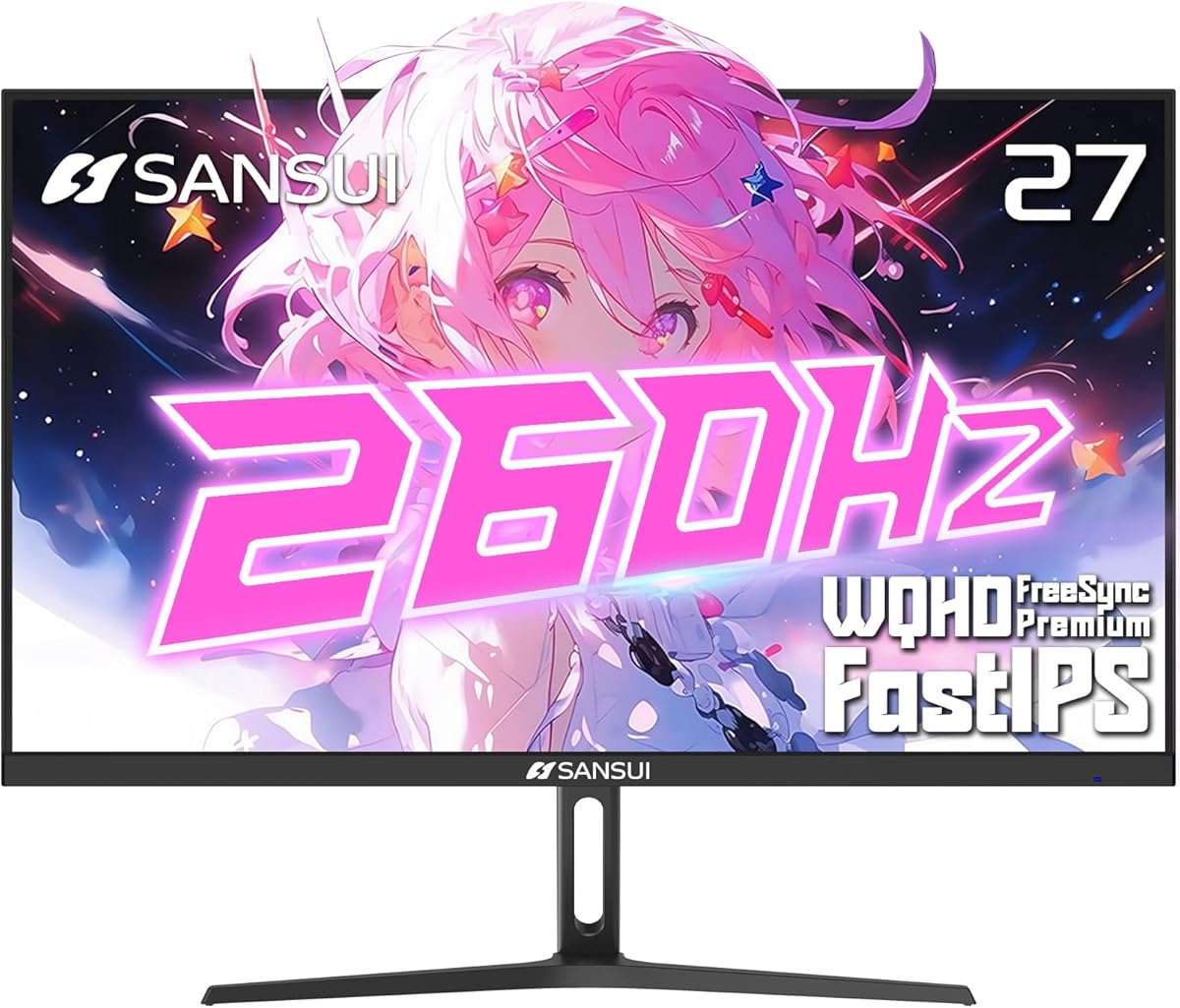
The SANSUI Gaming Monitor 27 Pro pushes the boundaries of refresh rates with its 260Hz capability offering the fastest speeds in this category. Users value the raw speed it provides for competitive esports and fast-paced titles.
We may earn a commission when you buy through this link, at no additional cost to you.
Its 10-bit color depth and wide DCI-P3 gamut ensure that vibrant colors remain accurate even at high speeds. FreeSync Premium certification guarantees compatible graphics cards can utilize the full potential of the display.
Connectivity is robust with two DisplayPort 1.4 inputs allowing flexibility for multi-system setups. While power consumption may be slightly higher the performance gains justify this for serious competitive players.
We recommend this for pro gamers who need every millisecond of advantage. It is the speed king for those focused on winning high-stakes matches.
260Hz refresh rate offers the fastest motion handling in the lineup.
10-bit color ensures smooth gradients and accurate hues.
We may earn a commission when you buy through this link, at no additional cost to you.
Selecting the right monitor involves balancing several technical factors to match your specific gaming style and hardware capabilities. This guide explains the key features you should prioritize to find your ideal display.
IPS panels provide the best color accuracy and viewing angles making them ideal for general gaming and creative work. VA panels offer higher contrast ratios for deeper blacks which suits dark games better but may have slower response times.
Prioritize IPS for competitive play or VA for immersive single-player experiences.
Refresh rate measured in Hertz determines how many frames the monitor displays per second. Higher rates like 180Hz or 260Hz provide smoother motion and lower input lag essential for competitive shooters.
Aim for at least 144Hz but consider 180Hz or higher if your GPU supports it.
Response time indicates how quickly a pixel changes color. Lower response times such as 1ms or 0.5ms reduce motion blur and ghosting during fast movements.
Look for 1ms GTG or lower to ensure crisp visuals in action games.
Adaptive Sync technologies like FreeSync and G-Sync match the monitor refresh rate to your graphics card frame rate. This eliminates screen tearing and stuttering without sacrificing performance.
Ensure your chosen monitor supports FreeSync or G-Sync Compatible for smooth gameplay.
Color gamut coverage like sRGB or DCI-P3 determines how vibrant and accurate colors appear on screen. Higher coverage percentages result in more lifelike images for both games and media.
Seek monitors with 90%+ DCI-P3 coverage if color accuracy matters to you.
Ergonomic stands allow height tilt swivel and pivot adjustments to fit your desk and posture. Proper positioning reduces neck and eye strain during long gaming or work sessions.
Check for full height adjust and pivot options for maximum comfort.
Ports like DisplayPort 1.4 and HDMI 2.0 determine which refresh rates and resolutions your monitor can support. Ensure you have the right cables to unlock full capabilities like 144Hz.
Verify DisplayPort availability for highest refresh rates on your GPU.
Features like built-in speakers HDR support and game modes can enhance convenience and immersion. HDR improves contrast while game modes optimize settings for specific titles.
Consider these extras based on your specific usage needs.
Connect your monitor using a high-quality DisplayPort or HDMI cable that supports 1440p at your desired refresh rate to ensure full performance.
Adjust in-game settings and monitor menus to enable adaptive sync and set refresh rates to match your graphics card output.
Clean the screen with a soft dry microfiber cloth regularly and avoid harsh chemicals to protect the panel coating and prolong display life.
1440p monitors offer significantly more pixels and sharper detail than 1080p displays. This provides clearer text and images but requires a more powerful graphics card to maintain high frame rates in games.
While 1440p is more demanding than 1080p mid-range modern GPUs handle it well. For competitive gaming high refresh rates may require powerful hardware but general gaming remains accessible.
For competitive gaming refresh rates of 180Hz or higher are recommended to minimize motion blur and reduce input lag for faster reactions during gameplay.
HDR adds better contrast and colors in supported content but many gaming monitors have limited HDR brightness. Look for HDR400 or higher certification for noticeable improvements.
Yes these monitors are excellent for work with sharp text and wide viewing angles. Many models also include ergonomic stands and eye care features to reduce strain.
Enable FreeSync or G-Sync in your graphics card control panel and ensure the monitor setting is active. Using DisplayPort usually provides the best compatibility for these features.
Curved monitors can enhance immersion in single-player games by wrapping visuals around your view. However flat screens are often preferred for competitive gaming due to better text clarity.
Dust screens gently with a microfiber cloth and avoid touching the panel with bare hands. Ensure proper ventilation and avoid direct sunlight to preserve image quality.
We reviewed ten exceptional monitors ranging from budget-friendly models to premium performance units. Each offers unique strengths whether you need maximum speed vibrant colors or ergonomic comfort.
Prioritize refresh rates and adaptive sync features if you play competitive games regularly. For creators or casual gamers color accuracy and ergonomics may take precedence over raw speed.
Always verify current prices and specifications before purchasing since deals change frequently. Choose the model that aligns best with your specific needs and budget constraints today.