
Alienware 27 Gaming Monitor AW2725DM
4.6Editor score
180Hz fast refresh
QHD resolution support
G-SYNC compatibility
Finding the right display can transform your gaming experience. A high quality monitor ensures smooth visuals and precise colors. You need a screen that matches your hardware capabilities and budget constraints effectively.
We compared ten models based on refresh rates and panel types. Our analysis covers OLED and IPS technologies across various sizes. Each product offers unique strengths for competitive play and immersive storytelling.
Each pick highlights key specs and real world performance. Prices fluctuate frequently so check current listings before buying. These guides help you choose the right screen for your setup needs.
4.6Editor score

4.5Editor score

4.3Editor score
As an Amazon Associate we earn from qualifying purchases.
The following table lists all ten models side by side. Each entry includes key specifications to help you compare features quickly. Use this data to find the perfect match for your specific gaming needs.




The AW3425DW stands out as a top choice for immersive gaming. Its QD-OLED panel delivers deep blacks and bright highlights. This model scores high on speed and visual fidelity.
We may earn a commission when you buy through this link, at no additional cost to you.
The 240Hz refresh rate ensures smooth motion in competitive titles. Color accuracy is exceptional with wide gamut coverage. The curve enhances the field of view significantly.
While expensive, the quality justifies the cost for enthusiasts. You need a strong GPU to drive this resolution. The panel may require careful placement to avoid burn-in risks.
This monitor is ideal for players seeking premium visuals. If you prioritize color and speed, it is the top pick. It delivers an experience that few other displays can match.
The OLED technology provides infinite contrast for lifelike images.
Fast response times eliminate ghosting during rapid action.
We may earn a commission when you buy through this link, at no additional cost to you.
The AW2725DM offers excellent value for gamers on a budget. It delivers QHD resolution with a fast refresh rate. The panel quality is consistent across the screen.
We may earn a commission when you buy through this link, at no additional cost to you.
Fluid performance comes from the 180Hz refresh rate. Colors are vibrant with good coverage for general gaming. Low blue light helps during long play sessions.
It lacks the contrast of OLED panels but remains competitive. The design is sleek and fits most desks well. Check current pricing to ensure it meets your needs.
This model is perfect for balanced gaming and work. It handles most titles without needing extreme hardware. The price makes high refresh QHD accessible to more users.
DCI-P3 coverage ensures rich hues in media and games.
Hardware based low blue light reduces eye fatigue.
We may earn a commission when you buy through this link, at no additional cost to you.
The AW3423DW is a high-end option for serious enthusiasts. It features QD-OLED tech for superior color depth. The curved screen wraps around your view perfectly.
We may earn a commission when you buy through this link, at no additional cost to you.
Speed is a major strength with fast response times. HDR content looks incredible due to contrast capabilities. Creators can use the mode for precise color work.
You should manage static elements to avoid burn-in risks. The stand allows some movement but lacks full pivot. Ensure your setup supports the power requirements well.
This monitor excels for immersive single-player experiences. It balances performance with visual quality effectively. Gamers wanting the best should consider this model.
Quantum Dot OLED enhances brightness and color range.
Legend 2.0 design includes customizable lighting.
We may earn a commission when you buy through this link, at no additional cost to you.
The AW2726DM brings high speed QD-OLED to 27 inches. It maintains great color and contrast in a smaller size. The refresh rate supports very competitive play.
We may earn a commission when you buy through this link, at no additional cost to you.
Motion clarity is a key benefit here. Players will appreciate the responsiveness in fast shooters. The panel type ensures vibrant colors for media too.
Care must be taken to avoid static image burn-in. The design fits well in modern setups. You need a powerful GPU to utilize the speed.
This model is perfect for high frame rate gamers. It combines speed with image quality effectively. Consider it if you prefer a 27 inch format.
The refresh rate minimizes lag and blur effectively.
Quantum Dot technology enhances image fidelity.
We may earn a commission when you buy through this link, at no additional cost to you.
The AW2725Q offers stunning 4K clarity on OLED. It packs high pixel density for sharp text and images. This model is great for visual fidelity.
We may earn a commission when you buy through this link, at no additional cost to you.
Dolby Vision support enhances HDR content. The contrast ratio is excellent for dark scenes. Renewed options might save cost but check condition.
Driving 4K requires significant graphics power. You need a high-end GPU for smooth gameplay. Ensure the renewed unit has full warranty support.
This monitor is best for detail-oriented users. It balances resolution with premium panel tech. Consider it for media and gaming mix.
High PPI density ensures crisp visuals.
Dolby Vision expands dynamic range.
We may earn a commission when you buy through this link, at no additional cost to you.
The AW2524H is a speed monster for esports. It features a 480Hz refresh rate for ultra smooth motion. The stand supports full ergonomic adjustments.
We may earn a commission when you buy through this link, at no additional cost to you.
Reflex technology helps optimize system latency. This monitor is built for competitive advantage. The anti-glare helps in bright rooms.
The resolution is Full HD which is less sharp. But speed is prioritized here. You need a strong PC to push high frames.
This model is ideal for pro gamers. It offers the fastest motion clarity available. If speed matters most, this is the choice.
Reflex tech helps reduce latency.
Stand allows full height and tilt.
We may earn a commission when you buy through this link, at no additional cost to you.
The AW2523HF includes accessories for your setup. It offers 360Hz refresh for fast action. The kit includes a USB hub and light.
We may earn a commission when you buy through this link, at no additional cost to you.
AMD FreeSync ensures smooth visuals. The stand allows pivot and height. This bundle is great for streamers.
The resolution is Full HD so text is less sharp. It is focused on competitive gaming speed. Check what accessories are included now.
This model is ideal for competitive setups. It helps keep your desk organized. Consider it if you want an all-in-one kit.
Accessories add convenience to your desk.
360Hz refresh reduces motion blur.
We may earn a commission when you buy through this link, at no additional cost to you.
The 280Hz QHD model balances speed and resolution. It uses Nano Color for vibrant visuals. The stand allows full pivot for comfort.
We may earn a commission when you buy through this link, at no additional cost to you.
It supports triple sync for broad GPU compatibility. HDR600 provides good contrast for gaming. The design keeps cables hidden.
It is not OLED but offers fast IPS speed. You get QHD sharpness which is useful. Check if it is in stock often.
This monitor is great for mixed gaming. It offers high refresh and good color. Consider it for a versatile setup.
Triple sync ensures smooth frames.
Nano Color improves accuracy.
We may earn a commission when you buy through this link, at no additional cost to you.
The AW3420DW offers classic ultrawide immersion. It features Nano Color for accurate visuals. The G-Sync supports smooth performance.
We may earn a commission when you buy through this link, at no additional cost to you.
The curve enhances your field of view. It is durable and has good RGB. The refresh is lower than newer models.
It is an older model but still solid. You get wide resolution for less cost. Check availability before buying as it may be scarce.
This monitor is great for single-player games. It is a reliable choice for immersion. Consider it if you prefer 120Hz.
Curved design enhances immersion.
Custom RGB zones add style.
We may earn a commission when you buy through this link, at no additional cost to you.
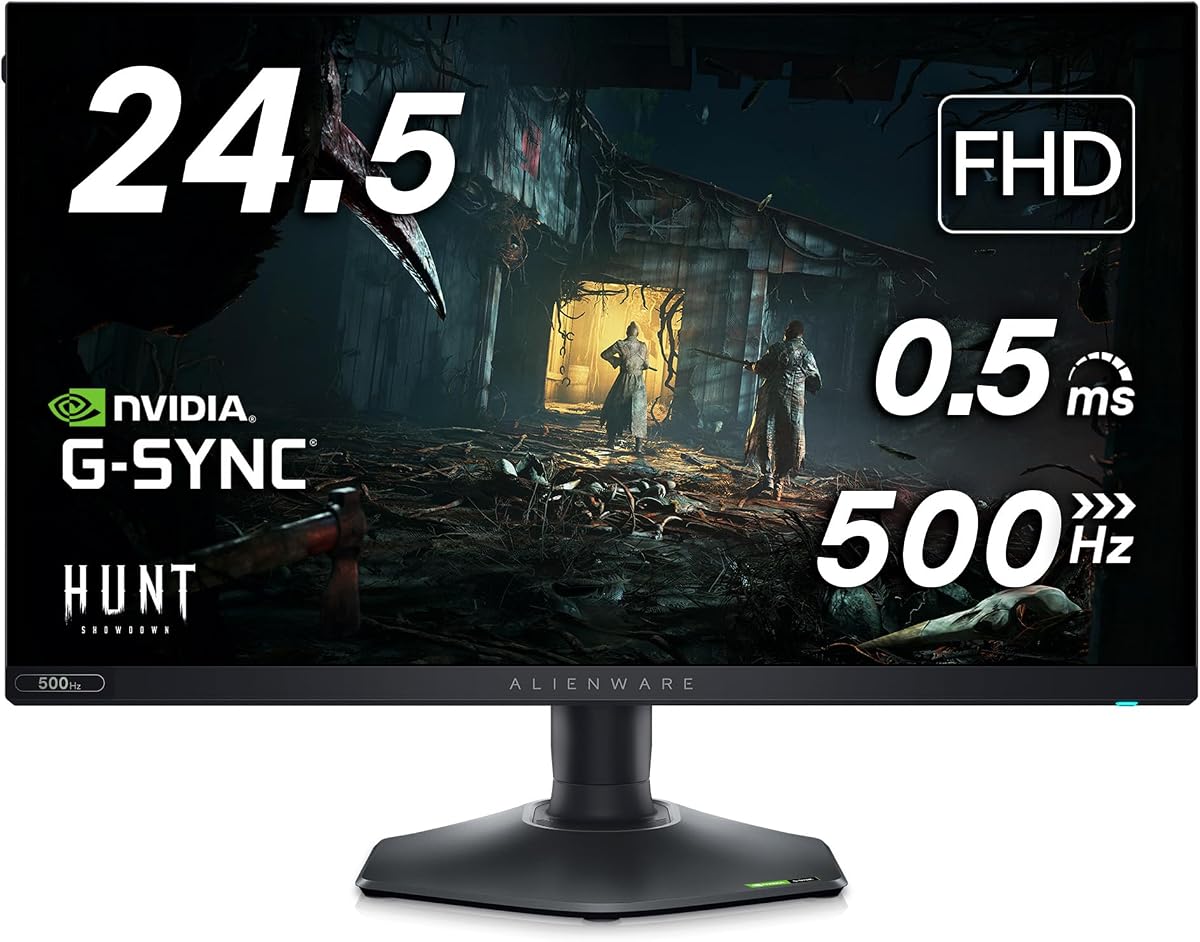
The AW2523HF offers fast refresh for small size. It has 360Hz for smooth competitive play. The headset hanger keeps desk space clear.
We may earn a commission when you buy through this link, at no additional cost to you.
Color consistency is good across angles. The stand allows pivot and tilt. It is great for small desks.
The resolution is Full HD so it is less sharp. Speed is the focus here. You need strong PC to drive it.
This monitor is ideal for fast games. It is efficient and fast. Consider it if space is limited.
Headset hanger saves desk space.
360Hz refresh reduces blur.
We may earn a commission when you buy through this link, at no additional cost to you.
Choosing the right monitor involves looking at several key factors. This section covers the most important aspects for you to consider.
OLED and IPS panels are the main options here. OLED offers deep blacks and high contrast. IPS provides wide angles and lower risk of burn-in. Choose based on your visual needs.
For dark rooms OLED is better. For bright spaces IPS is safer. Check burn-in policies carefully.
Refresh rates range from 120Hz to 480Hz. Higher rates reduce motion blur significantly. Competitive players prefer 360Hz or 480Hz. Casual gamers may find 180Hz sufficient.
Match refresh rate to your PC power. A 480Hz monitor needs high frame rates.
Resolutions include Full HD, QHD, and 4K. Higher resolution means sharper images. QHD is often the sweet spot for balance. 4K requires more GPU power.
Use QHD for best balance. Use 4K for clarity. Use Full HD for speed.
Ports like HDMI and DisplayPort are vital. HDMI 2.1 allows high refresh at high resolution. Ensure cables are included or bought. USB hubs add convenience.
Check if you need USB hub features. HDMI 2.1 is recommended for high refresh.
Stand adjustments help comfort. Look for height, tilt, and pivot options. Some stands take up desk space. Good ergonomics reduce fatigue.
Prioritize height and tilt. Pivot is optional but useful.
G-Sync and FreeSync reduce screen tearing. G-Sync usually costs more but is stable. FreeSync is common on AMD cards. Check GPU compatibility.
Choose based on your graphics card. Triple sync covers both.
Wide color gamut like DCI-P3 ensures accurate hues. Check if the monitor covers 95% or more. This helps in creative work and media. Consistency matters.
Aim for 95% DCI-P3 coverage. Check Delta E ratings if possible.
Design includes bezels and RGB lighting. Narrow bezels improve immersion. AlienFX lighting can customize the mood. Cable management helps clean up desk.
Consider desk size and aesthetics. Cable management is useful.
Connect the monitor securely to your PC. Use the recommended cables for best performance. Configure the refresh rate in your graphics settings.
Adjust brightness and contrast for your room. Use low blue light features at night. Calibrate colors if you need accuracy.
Keep the screen clean with a microfiber cloth. Avoid touching the panel with sharp objects. Check settings for static image burn-in prevention.
The AW2524H is the best choice for competitive play due to its 480Hz refresh rate. The AW2523HF is also strong with 360Hz. Both provide low latency needed for esports.
Yes, many models like AW3423DW offer Creator Mode. They have wide color coverage for accurate work. Check if specific color spaces are supported.
Yes, OLED models need care to prevent burn-in. Avoid static images. Use pixel refresh features regularly.
For 4K at 240Hz you need a high-end GPU. Mid-range cards may struggle. Check system requirements for the specific model.
Yes, most new models come with a standard warranty. Renewed units may have different policies. Check the specific listing for details.
Use Game Mode and fast response settings. Connect via DisplayPort for best speed. Ensure sync is off or matched to GPU.
The 24.5 inch models fit small desks best. The 27 inch QHD offers a middle ground. Consider footprint and stand design carefully.
Yes, many models allow custom RGB patterns. Use Dell Alienware Command Center. Set colors to match your room or game.
We reviewed ten models to find top performers. The AW3425DW leads in immersion. The AW2725DM offers great value.
Prioritize refresh rates for speed and resolution for clarity. Consider panel type for color and contrast. Match your hardware to monitor demands.
Prices change frequently so check current deals. Ensure warranty and return policies are clear. Pick the monitor that fits your needs.