
Samsung QB43R 43 inch 4K UHD LED Commercial Signage Display
5.0Editor score
4K UHD resolution
Cisco WebEx compatible
Built-in Wi-Fi
Choosing the right conference room monitor is essential for modern business communication. A high-quality display ensures clear visuals during presentations and video calls, keeping everyone engaged and informed throughout meetings.
We compared ten leading commercial monitors based on resolution, connectivity, durability, and ease of integration with popular conferencing platforms. Our analysis focuses on real-world performance in professional environments like boardrooms and huddle spaces.
Each pick highlights key features that matter most for office deployment. Keep in mind that prices and availability can change quickly, so verify current details before making your final purchasing decision for your workspace.
5.0Editor score

4.8Editor score

4.9Editor score
As an Amazon Associate we earn from qualifying purchases.
This side-by-side comparison helps you evaluate the top conference room monitors available today. We list key specifications for each model so you can quickly identify which display fits your room size and connectivity requirements.


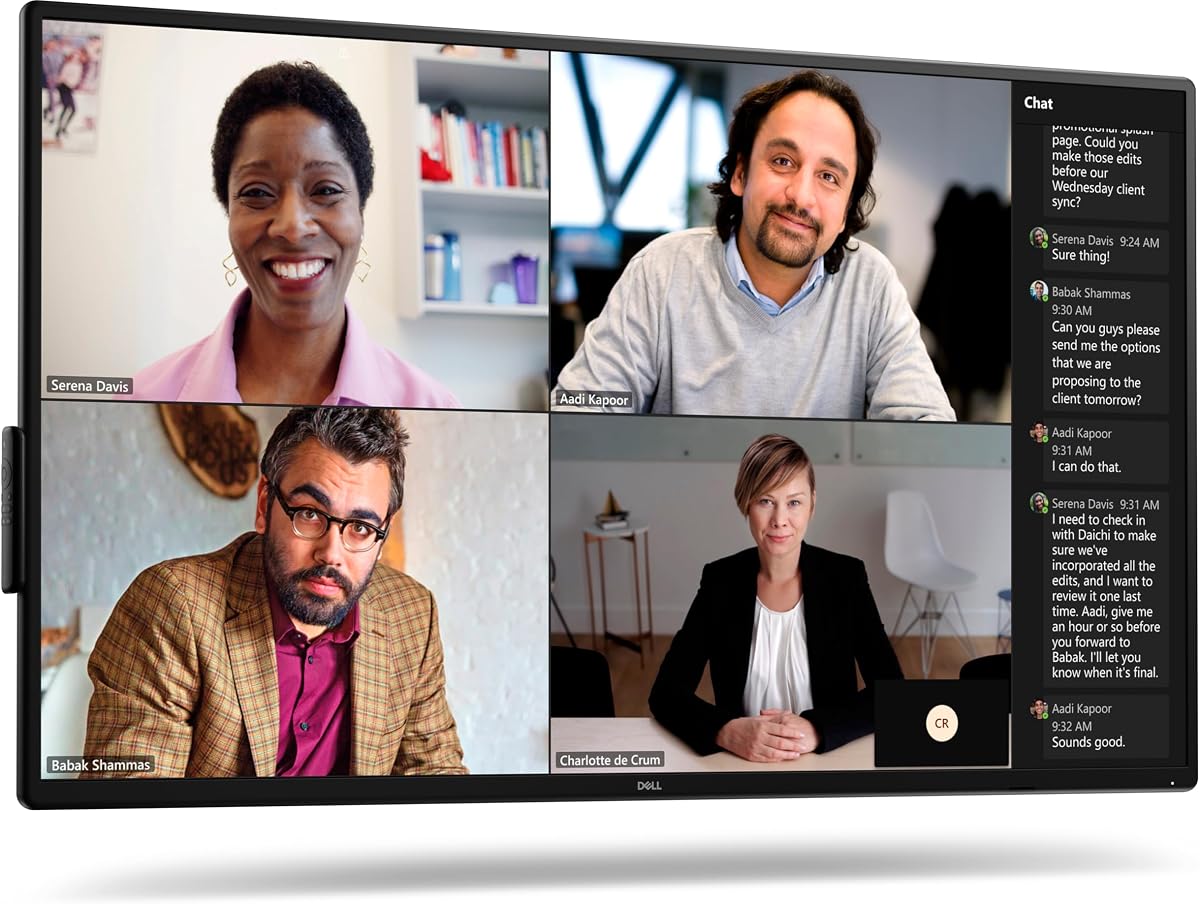


The Dell P5524Q stands out as a top choice for professional conference rooms. It offers a stunning 55-inch 4K display that ensures every participant can see slides and charts clearly. The anti-glare coating is particularly useful in bright meeting spaces.
We may earn a commission when you buy through this link, at no additional cost to you.
Its robust commercial design includes security locks and cable slots, making it ideal for shared office environments. The wide viewing angles ensure that colors remain consistent even from the sides of the room. Built-in 10W speakers provide sufficient audio for smaller huddle meetings.
While the price is higher than some competitors, the durability and security features justify the investment. Users should ensure they have proper mounting hardware since the VESA mount is standard but not always included. Setup is straightforward with multiple input options.
This monitor is best suited for medium-sized boardrooms that require reliable performance and security. It pairs well with modern conferencing systems. We recommend it for businesses prioritizing image quality and long-term reliability in high-traffic meeting areas.
Security locks and cable slots prevent unauthorized removal and keep cables organized. This ensures safety and a clean look in open office environments.
Anti-glare coating and wide viewing angles reduce eye strain. Participants seated anywhere around the table will see consistent colors and brightness.
We may earn a commission when you buy through this link, at no additional cost to you.
The Samsung QB65R brings a massive 65-inch screen to the conference room. Its 4K UHD resolution and dynamic Crystal Color make presentations look vibrant and lifelike. The 350 nit brightness ensures visibility even in well-lit boardrooms.
We may earn a commission when you buy through this link, at no additional cost to you.
Integration with Cisco WebEx room kits makes it a powerful choice for hybrid meetings. Built-in Wi-Fi allows for easy content sharing from mobile devices. The SoC technology reduces the need for external media players, simplifying installation.
The slim design aids in easy mounting, but you may need professional help for a large unit. Intelligent upscaling ensures standard HD content looks sharp on the big screen. It is a premium option for larger meeting spaces.
This display is ideal for executive boardrooms where visual impact matters most. The wireless sharing features save time during meetings. We recommend it for organizations that host frequent large-group presentations.
WebEx compatibility ensures smooth integration with major conferencing tools. This reduces setup time and technical issues during live meetings.
SoC technology and slim design reduce clutter. Less external equipment means fewer cables and a cleaner professional appearance.
We may earn a commission when you buy through this link, at no additional cost to you.
The LG UL3G bundle offers exceptional value by including HDMI cables and accessories in the box. It features a 43-inch 4K display with an IPS panel for consistent colors across wide viewing angles. This is perfect for medium conference rooms.
We may earn a commission when you buy through this link, at no additional cost to you.
Built-in webOS 4.1 allows for easy content playback without extra devices. It supports Crestron Connected for seamless control within office automation systems. The virtual router feature enables easy content sharing via Wi-Fi.
While the screen is smaller than 65-inch models, it fits well in huddle rooms. The included surge protector protects connected equipment. Setup is straightforward for IT teams familiar with LG systems.
This bundle is best for small to medium rooms needing a ready-to-use solution. The accessories save money and time. We recommend it for businesses looking for a reliable, cost-effective conference monitor.
Accessories like HDMI cables and surge protectors are included. This reduces extra costs and speeds up initial installation in new offices.
Control Manager allows remote monitoring of displays. This helps IT teams maintain systems without physical access.
We may earn a commission when you buy through this link, at no additional cost to you.
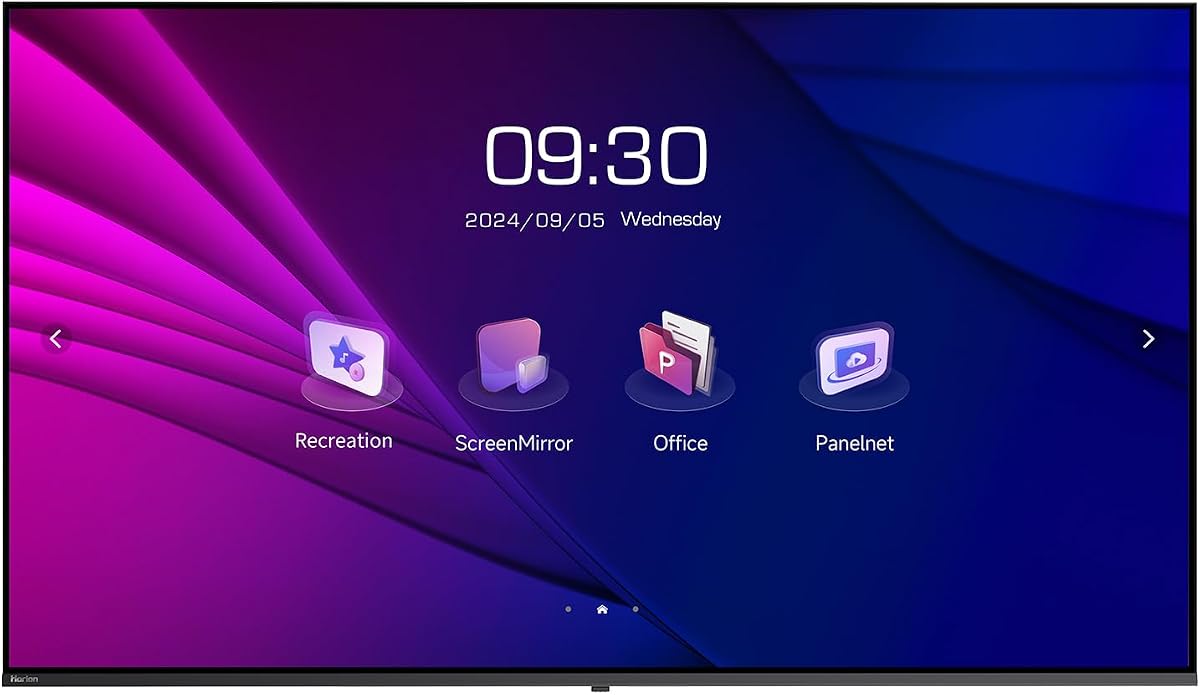
The HORION 75 offers a large screen with advanced wireless casting capabilities. It supports Miracast and Airplay, allowing presenters to share content without cables. The Dual WiFi Pro system ensures stable connections during critical meetings.
We may earn a commission when you buy through this link, at no additional cost to you.
It features a low blue light certification to reduce eye strain during long sessions. The VESA mount allows for flexible portrait orientation. The OS is ad-free, providing a clean interface for business use.
While it is from a newer brand, the build quality and specs are competitive. The 24/7 operational rating makes it suitable for always-on digital signage. Setup requires some time to configure the wireless channels properly.
This monitor is great for modern offices prioritizing cable-free workflows. The large screen is excellent for collaboration. We recommend it for businesses needing reliable wireless presentation tools.
Wireless casting eliminates cable clutter and setup time. Presenters can share content instantly from laptops or phones.
Low blue light technology reduces strain. This is crucial for teams spending long hours in conference rooms.
We may earn a commission when you buy through this link, at no additional cost to you.
The Dell P5525QC is a robust commercial monitor with versatile connectivity. It supports USB-C and HDMI for easy laptop integration. The IPS panel ensures accurate colors. The 400cd/m2 brightness is sufficient for most office lighting conditions.
We may earn a commission when you buy through this link, at no additional cost to you.
It offers a clean design suitable for modern offices. Dell provides reliable support and warranty services. The 60Hz refresh rate is standard for static content and presentations. It is ideal for tech-focused meeting spaces.
This model lacks built-in media players, relying on connected PCs. This reduces complexity but requires external devices. The price reflects its commercial grade. It fits well in rooms needing multiple input sources.
We recommend this for corporate meeting rooms where reliability and input flexibility are key. IT teams will appreciate the variety of ports. It is a solid choice for standardized office deployments.
USB-C and HDMI support modern laptops and legacy devices. This reduces adapter needs and simplifies connections.
Dell offers strong commercial warranties. This provides peace of mind for business buyers managing multiple units.
We may earn a commission when you buy through this link, at no additional cost to you.
This Philips monitor is perfect for small huddle rooms needing an all-in-one solution. The built-in Windows Hello webcam and noise canceling mic simplify video calls. The curved screen provides immersion for collaborative work.
We may earn a commission when you buy through this link, at no additional cost to you.
USB-C docking allows power and data transfer via one cable. The 4-year warranty adds long-term value. It offers a cost-effective way to set up a meeting space without separate camera hardware.
While it is not as bright as full commercial displays, it suits indoor meetings. The 21:9 aspect ratio is great for multitasking. It may not be ideal for large audiences but works well for small teams.
This is the ideal pick for startups or small offices. It minimizes hardware clutter. We recommend it for teams needing quick video conferencing setup without extra peripherals.
Built-in webcam and mic remove extra cables. This simplifies setup for ad-hoc meetings.
USB-C charges laptops while delivering video. This keeps the desk tidy and reduces power adapters.
We may earn a commission when you buy through this link, at no additional cost to you.
The Samsung QB43R offers a reliable 43-inch commercial display at a competitive price. It features dynamic Crystal Color for accurate visuals. The 350 nit brightness ensures clear viewing. It supports Cisco WebEx room kits.
We may earn a commission when you buy through this link, at no additional cost to you.
Built-in Wi-Fi facilitates wireless sharing during meetings. The slim design allows for clean wall mounting. Samsung provides a solid 3-year warranty for business use. It lacks some advanced features found in higher-end models.
This display is excellent for small to medium conference rooms. The setup process is straightforward for IT staff. It is a no-frills option that focuses on core display performance and connectivity options.
We recommend it for businesses seeking a trusted brand without high costs. The Wi-Fi capabilities are a bonus. It fits well in spaces where reliability and warranty matter most.
The 3-year warranty protects your investment. This is crucial for budget-conscious office buyers.
Crystal Color ensures lifelike presentation images. This helps convey data clearly to meeting attendees.
We may earn a commission when you buy through this link, at no additional cost to you.
Sony delivers premium quality with this 75-inch commercial monitor. HDR support provides better contrast for rich visuals. The VA LCD panel ensures good blacks and depth. It supports both landscape and portrait orientations.
We may earn a commission when you buy through this link, at no additional cost to you.
It is ideal for high-end boardrooms requiring superior image quality. The build is robust for long-term use. While expensive, the performance justifies the cost for flagship meeting spaces. Setup requires careful planning due to size.
This monitor is less about smart features and more about raw display performance. It works best with high-quality content sources. Users should ensure proper mounting hardware is available.
We recommend this for executive spaces where image fidelity is paramount. The flexibility in orientation is useful. It is a top choice for premium corporate offices.
HDR enhances visual depth and contrast. This is vital for professional presentations.
Support for portrait and landscape offers creative layout options. This suits varied room designs.
We may earn a commission when you buy through this link, at no additional cost to you.
This Samsung model is built for 24/7 commercial use. It features a non-glare panel for clear viewing. The 50-inch screen is suitable for medium-sized meetings. The built-in media player supports USB playback.
We may earn a commission when you buy through this link, at no additional cost to you.
The bezel-less design offers a modern look. It includes a dust-proof rating to maintain reliability. However, the 300 nit brightness is lower than some competitors. It is ideal for indoor meeting rooms.
Reliability is the key strength here. The 3-year warranty adds value. Users should note the lower brightness if the room has many windows. It is a solid choice for continuous operation.
We recommend it for offices needing dependable hardware for frequent use. The design is sleek. It fits well in standard corporate environments.
Dust-proof rating and 16/7 operation ensure longevity. This reduces maintenance needs for IT.
Side bezel-less design looks professional. This enhances the meeting room's aesthetic.
We may earn a commission when you buy through this link, at no additional cost to you.
The Logitech MeetUp is a dedicated video conferencing system for small rooms. It offers 4K video and beamforming mics for clear audio. It works as a USB camera for laptops. This is essential for remote meetings.
We may earn a commission when you buy through this link, at no additional cost to you.
It connects to existing displays rather than being a monitor. The pan tilt motor allows capturing the whole room. It is certified for major platforms like Zoom and Teams. Setup is plug-and-play.
This system solves the audio and video challenge in small huddle rooms. It complements any screen setup. While it adds cost, the quality of interaction improves significantly. It is a smart investment for teams.
We recommend this for small teams needing professional remote interaction. It pairs well with larger displays. It is the top pick for video system integration.
Beamforming mics and pan tilt improve call quality. This ensures remote partners can see and hear clearly.
Support for multiple platforms simplifies adoption. This helps teams use existing tools without new subscriptions.
We may earn a commission when you buy through this link, at no additional cost to you.
Selecting the right monitor depends on room size, lighting, and technical needs. This guide outlines key factors to consider.
Screen size dictates visibility and seating capacity. A 55-inch or larger display ensures all participants can read slides. Smaller rooms may work with 34-inch to 43-inch models.
Choose a size based on the farthest viewer distance.
Resolution defines image clarity. 4K UHD is preferred for detailed data and charts. Full HD may suffice for basic text-only slides.
Opt for 4K to future-proof your investment.
Brightness impacts visibility in well-lit rooms. Look for at least 350 nits to avoid washout. Higher brightness suits spaces with large windows.
Select brightness matching your room lighting.
Ports like HDMI and USB-C are essential for laptop connectivity. Wireless casting adds convenience for presenters. Ensure enough inputs for multiple sources.
Verify inputs match your devices.
IPS panels offer wide viewing angles and better colors. VA panels have higher contrast but narrower angles. Choose based on seating arrangement.
Use IPS for wide tables.
Commercial models often include locking mechanisms. This prevents theft and unauthorized changes. Important for open office environments.
Check for lock slots.
Commercial warranties cover longer periods than consumer ones. Look for 3 years or more. This ensures business continuity.
Prioritize robust warranty terms.
Compatibility with tools like WebEx or Teams helps meeting flow. Some units support control via remote apps. Check certifications.
Confirm platform support.
Position the monitor at eye level to reduce neck strain. Ensure the room lighting does not cause glare on the screen. This improves comfort for long meetings.
Use HDMI or USB-C cables for clean connections. Avoid bending cables tightly to prevent damage. Keep cables organized with ties or sleeves.
Clean the screen with a dry microfiber cloth. Do not use chemical cleaners directly on the glass. This maintains image quality and longevity.
For small huddle rooms, a 34-inch to 43-inch monitor works best. This size ensures visibility without dominating the space. It balances cost and functionality for smaller teams.
Yes, conference monitors are built for 24/7 operation and have commercial-grade components. They include features like security locks and higher brightness for office lighting.
Use built-in Wi-Fi casting or a wireless HDMI transmitter. Modern monitors support AirPlay or Miracast. This allows easy screen sharing without cables.
Yes, many models have built-in media players. You can connect via HDMI or play content from USB. This allows flexibility for presentations and multimedia.
Commercial monitors are designed for 24/7 operation with a lifespan of 50,000 hours or more. This ensures long-term reliability for business use.
Not always. Some models have built-in webcams. For better quality, use a separate conferencing camera like Logitech MeetUp. This enhances audio and video clarity.
We reviewed ten top monitors including the Dell P5524Q and Samsung QB65R. Each model offers unique strengths for different room needs. Choosing the right one improves meeting efficiency.
Prioritize brightness and connectivity when deciding. Secure options and warranties are vital for long-term value. This guide aims to simplify your selection process.
Prices and availability change frequently. Verify current specs and offers before purchasing. Investing in the right display pays off in productivity.