
PS to HDMI Converter for PS1 / PS2
4.3Editor score
S-Video based conversion
Includes HDMI cable
Micro USB power
This guide compares ten top HDMI Adapter for PS1 options to help you connect classic consoles to modern displays with clarity and ease.
Connecting your classic PlayStation 1 to a modern TV requires a reliable HDMI adapter for PS1. These devices bridge the gap between old analog signals and digital displays, ensuring your favorite retro games look sharp and clear on today's screens.
We evaluated ten leading HDMI adapter for PS1 models based on signal quality, ease of use, and compatibility. Each product was reviewed for its ability to handle retro video standards and integrate smoothly with current home entertainment setups.
Each pick highlights key features, pros, and cons to help you decide. Remember that prices change frequently, so check current listings before purchasing to ensure you get the best value for your gaming setup.
4.3Editor score

4.6Editor score

4.2Editor score
Compare these ten HDMI adapter for PS1 models side by side to find the perfect match for your console and display setup.

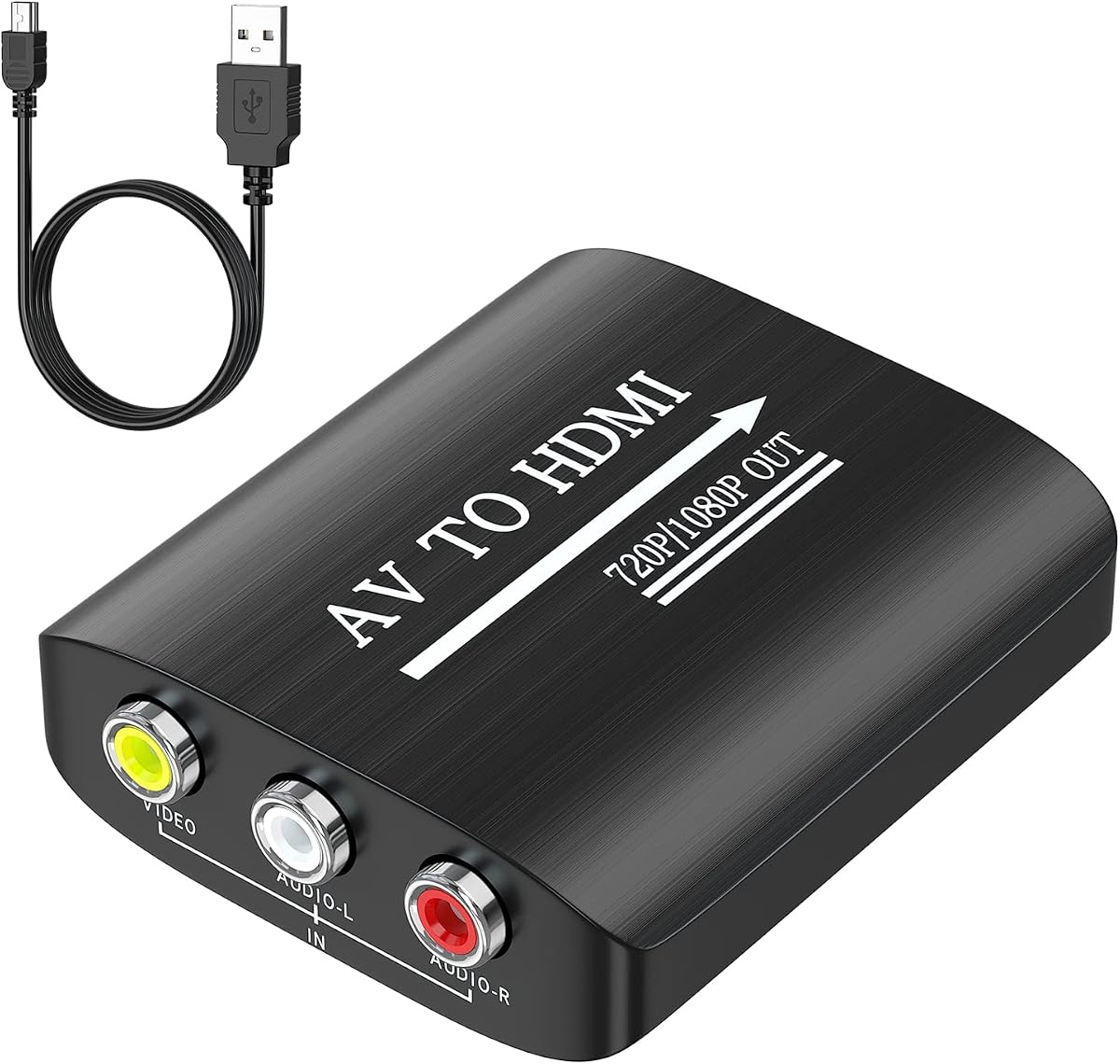


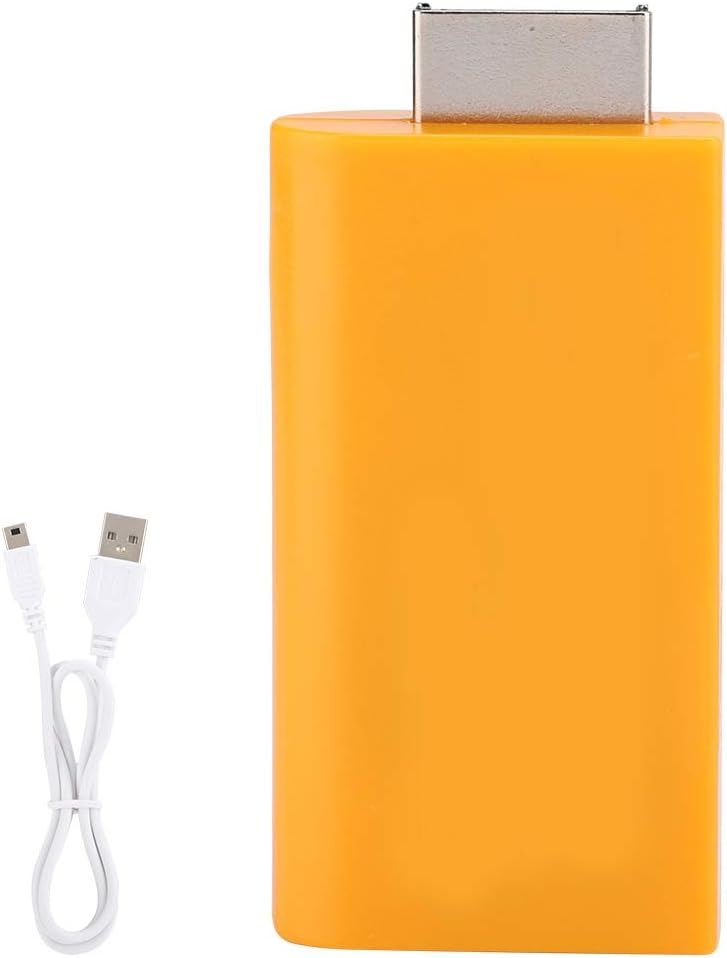

The HD Link HDMI Cable offers exceptional signal processing for PS1 games. With a 4.6 rating, it stands out for upscaling analog signals effectively without noticeable lag.
We may earn a commission when you buy through this link, at no additional cost to you.
Its 4:3 and 16:9 switch allows you to maintain authentic proportions or fit modern screens. The detachable design lets you use longer cables if needed for your setup.
While it performs well, ensure you have a 5V power source ready. Some users note the price is higher than basic converters but worth the quality gain.
This adapter is ideal for gamers prioritizing image fidelity. It delivers a clean experience for retro titles on HD displays.
Advanced processing ensures colors and details remain sharp on modern TVs.
Toggle between modes to match your display preferences effortlessly.
We may earn a commission when you buy through this link, at no additional cost to you.
This converter uses S-Video signals for a cleaner path than standard composite. Rated 4.3, it offers a budget-friendly way to connect PS1 systems to HDMI.
We may earn a commission when you buy through this link, at no additional cost to you.
The included 1.5m HDMI cable simplifies setup immediately. You just need a Micro USB power source to get started playing your favorite games.
Be aware that display quality depends on your console's output. It is not an official Sony product but works well for most standard setups.
Buyers looking for value will appreciate this kit. It provides all essentials needed for basic retro gaming on modern screens.
Separates luminance and chrominance for better clarity than composite.
Includes HDMI and power cables so you can start right away.
We may earn a commission when you buy through this link, at no additional cost to you.
Kaico offers a dedicated adapter with a built-in switch for RGB and Component modes. Rated 4.2, it focuses on delivering component-quality display via HDMI.
We may earn a commission when you buy through this link, at no additional cost to you.
The durable construction ensures long-term reliability for frequent gamers. A 12-month support warranty adds peace of mind for your investment.
You must change settings correctly on PS2 consoles for best results. This attention to detail ensures the signal matches your display requirements.
Premium users will value the robust design and support. It is a solid choice for those who need reliable performance.
Toggle between RGB and Component directly on the cable for flexibility.
Access repairs or replacements within 12 months if issues arise.
We may earn a commission when you buy through this link, at no additional cost to you.
This adapter transfers RGB signals to HDMI directly without extra drivers. With a 4.1 rating, it is a straightforward option for basic compatibility.
We may earn a commission when you buy through this link, at no additional cost to you.
It supports PS1 and PS2 but explicitly excludes PS3. The included Micro cable ensures you have the necessary power connection right away.
Note that it transfers existing signals without upscaling. Users seeking enhanced visuals might need a more advanced converter with processing features.
Basic buyers will find this easy to use. It gets the job done for standard setups without unnecessary complexity.
Moves analog signals to digital HDMI without altering quality.
No drivers or complex configurations required for setup.
We may earn a commission when you buy through this link, at no additional cost to you.
GINGIN supports PS1 and many other retro consoles like Xbox 360 and SNES. It converts composite AV signals to 1080p HDMI for modern displays.
We may earn a commission when you buy through this link, at no additional cost to you.
A USB cable powers the device during use. It is versatile but requires you to ensure your console is set to RGB output for best results.
This adapter does not enhance video quality beyond input standards. It is strictly a converter to help older systems connect to HD TVs.
Multi-system gamers will find great value here. Its broad compatibility makes it useful for a retro gaming collection.
Supports multiple retro devices beyond just PlayStation systems.
Converts analog inputs to 1080p signal for HD screens.
We may earn a commission when you buy through this link, at no additional cost to you.
Rated 4.4, this converter handles RCA inputs for HDMI outputs easily. It supports 1080p displays but does not handle 3D or 4K signals.
We may earn a commission when you buy through this link, at no additional cost to you.
The external USB power ensures stable performance while gaming. It comes with a one-year warranty for added customer protection.
Make sure your PS1 outputs compatible signals for this device. It is a solid choice for standard HDMI connections without extra costs.
Users seeking reliability will appreciate the warranty. It offers a balanced solution for retro gaming needs.
External USB cable ensures consistent operation during sessions.
One year warranty covers defects for peace of mind.
We may earn a commission when you buy through this link, at no additional cost to you.
BITFUNX supports PS1, PS One, and PS2 models in one adapter. It upscales RGB signals to 1080p HDMI for modern HD TVs.
We may earn a commission when you buy through this link, at no additional cost to you.
Switching between RGB and Component modes is built-in. This flexibility allows for better compatibility depending on your specific console.
Video remains in full digital format with zero transmission loss. It ensures that the original signal quality is preserved effectively.
Owners of multiple consoles will find this versatile. It simplifies connecting various PlayStation units to one display.
Accepts inputs from 240p to 576i for versatile compatibility.
Switch between RGB and YPbPr directly on the adapter.
We may earn a commission when you buy through this link, at no additional cost to you.
CAMWAY simplifies setup with plug and play functionality. It includes a button to switch between 4:3 and 16:9 aspect ratios easily.
We may earn a commission when you buy through this link, at no additional cost to you.
Lightweight and portable, it fits easily in bags for travel. It supports various video formats like NTSC and PAL for global use.
Note that it does not improve image quality but transmits original resolution. You must buy your own HDMI cable for connection.
Traveling gamers will appreciate the portability. It is a handy tool for casual play on different screens.
Toggle display modes without console settings changes.
Compact design makes it ideal for transport and storage.
We may earn a commission when you buy through this link, at no additional cost to you.
This adapter features anti interference shielding for stable signal clarity. It uses tinned copper wires to resist oxidation over time.
We may earn a commission when you buy through this link, at no additional cost to you.
Its compact size makes it easy to store in drawers or bags. It is lightweight and practical for home or on-the-go gaming setups.
Because it is new, user ratings are currently unavailable. It follows standard plug and play principles for easy connection.
Buyers seeking portability will find this convenient. It offers a practical way to connect consoles to monitors.
Shielding ensures stable performance during gaming sessions.
Tinned wires help prevent corrosion for long term use.
We may earn a commission when you buy through this link, at no additional cost to you.
Y.D.F offers a simple converter with an aspect ratio switch. Rated 4.4, it supports 4:3 and 16:9 outputs for better viewing.
We may earn a commission when you buy through this link, at no additional cost to you.
It works with PS1, PS2, and PS3 but requires external power. RGB signal mode displays ensure colors remain true to the source.
Users should note it is a transfer-only device without enhancement. It is designed strictly for compatibility with HDMI displays.
Casual players will find this straightforward. It provides an easy way to play older titles on modern TVs.
Switch screen formats directly for flexible viewing options.
Converts existing signals without altering quality or style.
We may earn a commission when you buy through this link, at no additional cost to you.
Choose the right HDMI adapter for PS1 by considering signal type, power needs, and resolution support.
Adapters vary between composite, S-Video, and RGB signal processing. S-Video options generally offer cleaner images than standard composite cables.
Look for converters that support RGB input for the best possible retro experience on modern screens.
Most adapters need an external 5V USB power source to function correctly. Always check if a cable is included in the package.
Ensure you have a free USB port available on your TV or a wall adapter to power the device.
While most convert to 1080p, true upscaling is not always present. Some devices merely transmit the original resolution without enhancement.
Check product descriptions to see if the adapter actively improves signal quality for better clarity.
Some adapters work only with PS1 and PS2, while others might include PS3. Ensure the device matches your specific console model.
Verify that it supports your region's video formats like NTSC or PAL if you travel or import games.
Packages may include HDMI cables or only power cords. Buying a separate HDMI cable adds to the total cost.
Review the contents carefully to avoid unexpected extra purchases for your setup.
A physical switch allows you to toggle between 4:3 and 16:9 modes easily. This helps maintain authentic visuals on widescreen TVs.
Choose an adapter with this feature for a better retro gaming experience.
Warranty periods vary from one year to lifetime support. Check manufacturer policies for repairs or replacements if issues arise.
A solid warranty adds value and security to your investment.
Some converters introduce lag, which affects gameplay timing. Look for low latency models to ensure responsive controls.
Testing reviews can help confirm if an adapter suits competitive or timing-sensitive games.
Connect the adapter to your console's AV port and plug the HDMI cable into the adapter. Ensure the power cable is connected to a 5V source.
Turn on the console and select the correct HDMI input on your TV. Adjust aspect ratio switches if needed for best visuals.
Keep the adapter in a dry place away from heat. Dust it occasionally to ensure proper ventilation and signal stability.
Most adapters only convert signals without upscaling. Some include processing that enhances resolution but cannot create native HD graphics.
You usually need a 5V USB power supply. Check if the package includes a cable or if you must supply your own power source.
Many adapters support both PS1 and PS2. Ensure the product description explicitly lists your console model for compatibility.
No drivers are typically required. These devices work plug and play with standard USB and HDMI connections.
Yes but the output is usually limited to 1080p. Your TV will scale the signal to fit a 4K display.
Many brands offer one year of coverage. Always verify the specific policy with the manufacturer before purchasing.
We explored ten top HDMI adapter for PS1 options to help you choose confidently. Each brings unique features for connecting retro consoles to modern screens.
Prioritize signal quality and power needs for best performance. Look for adapters with aspect ratio switches to maintain authentic visuals.
Prices vary, so verify current listings before purchase. With the right adapter, your classic games look great on new displays.