
HP Chromebook 14 Laptop Intel Celeron N4120
4.3Editor score
4GB RAM
64GB eMMC storage
Up to 14 hours battery
Compare the best laptop for back to school options including performance, battery, and value to find the perfect device for students this fall season.
Finding the right laptop for back to school is essential for academic success. Students need reliable devices that handle assignments, research, and entertainment. A good machine balances performance, portability, and battery life to keep up with busy schedules.
This guide compares ten top models selected for their value and capabilities. We evaluated processors, memory, storage, and display quality to ensure each pick meets student needs. The list includes options for various budgets and use cases.
Each pick highlights key features and ideal user types for clarity. Note that availability and prices change frequently on marketplaces. Always check current details before purchasing to ensure you get the best deal for your specific requirements.
4.3Editor score

4.7Editor score
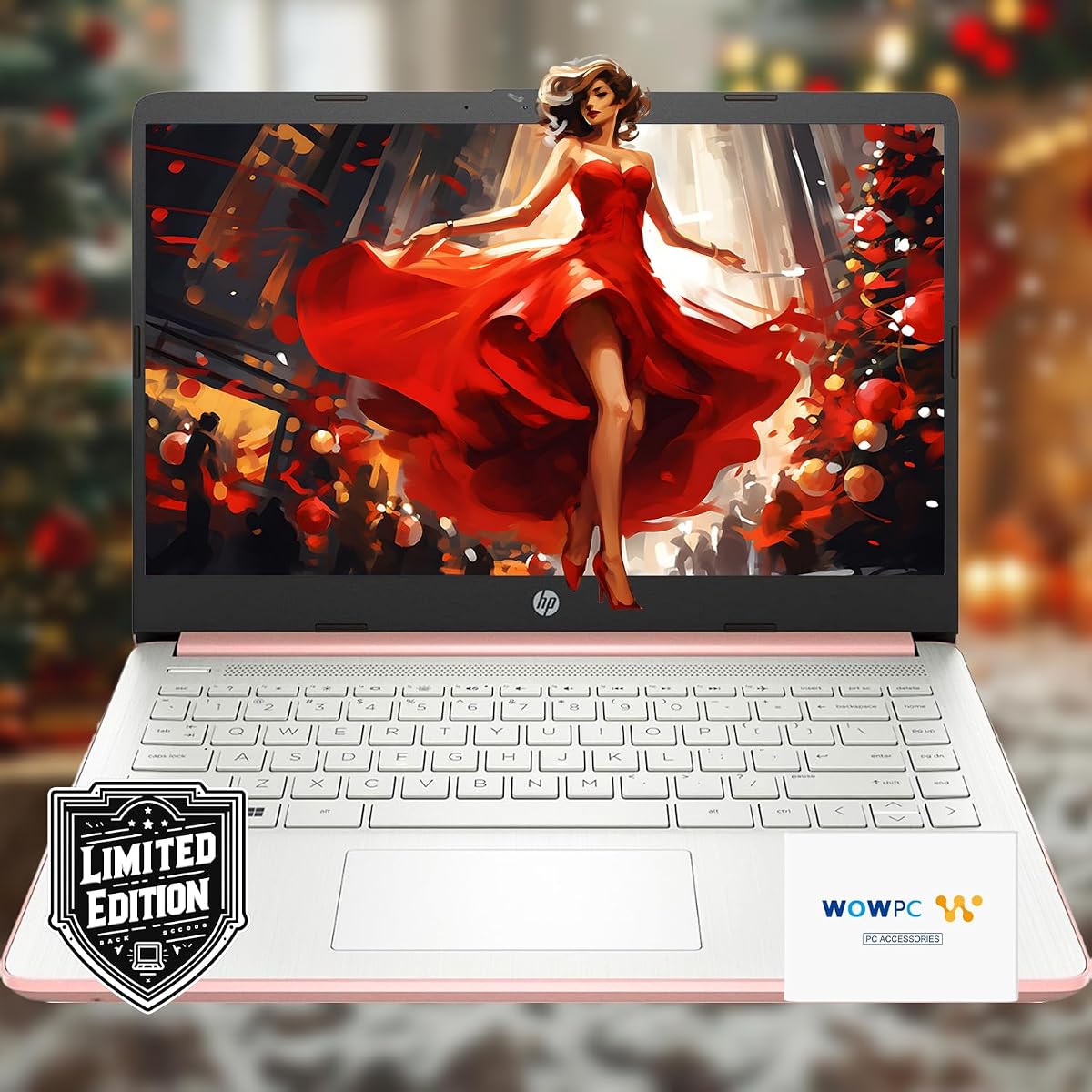
4.7Editor score
This side-by-side comparison outlines the key specifications of all ten models to help you make an informed decision based on your specific academic and personal needs.


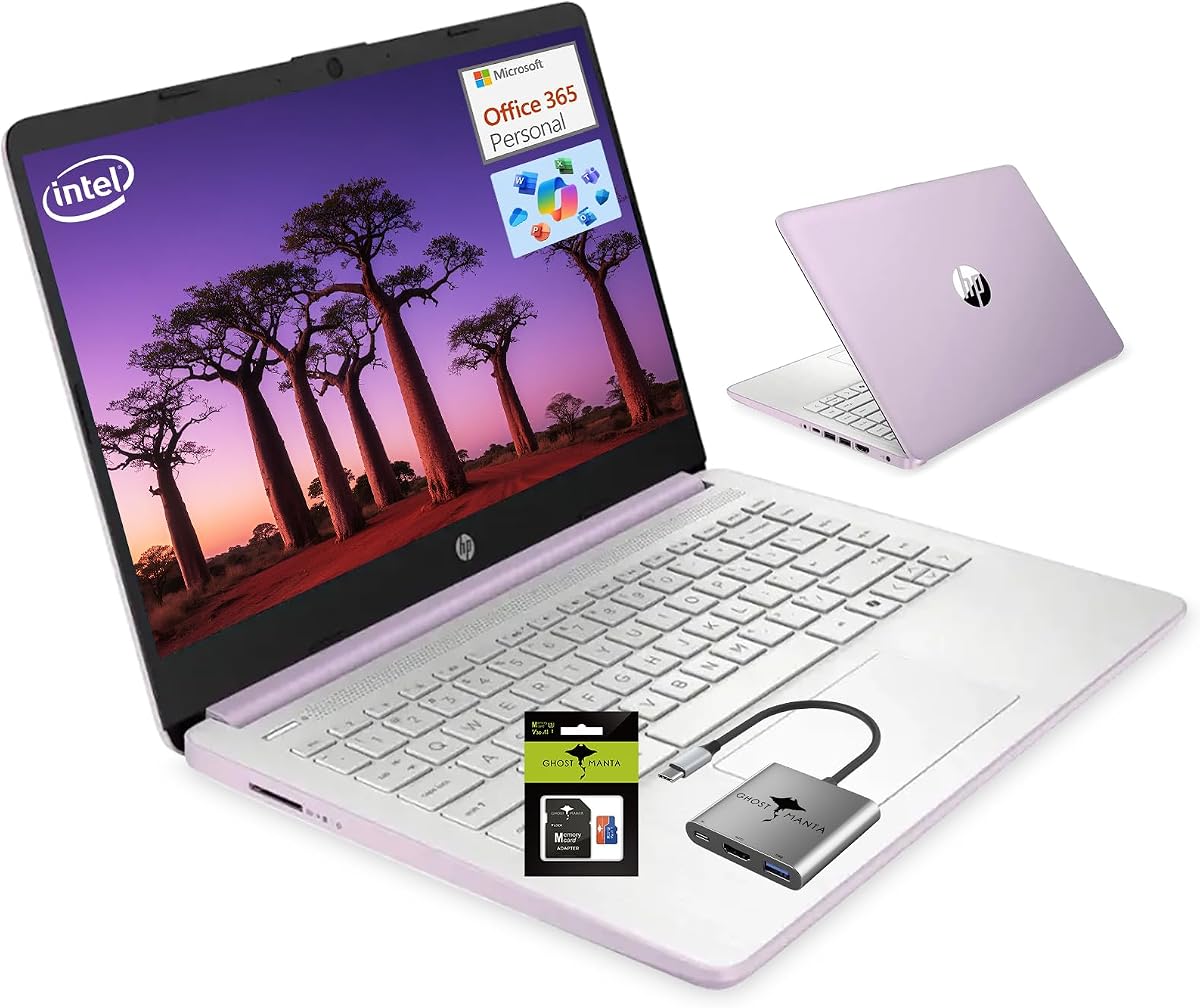
This model stands out for its high memory capacity and bundled storage solutions making it ideal for heavy multitaskers. It balances performance with a large screen for better workflow efficiency during study sessions.
We may earn a commission when you buy through this link, at no additional cost to you.
The 16GB RAM allows for smooth operation even with many browser tabs and applications open. The inclusion of an external hard drive and Microsoft 365 adds significant value for document management and cloud storage.
While the display resolution is standard HD the larger screen real estate compensates for clarity. The weight is slightly higher than compact models but remains manageable for daily transport.
Students needing ample memory and storage without compromising on screen size should consider this pick. It offers a complete package with essential software included for immediate productivity.
The high RAM capacity ensures that switching between research and writing tools happens without lag.
Included software and external storage reduce the need for additional purchases right after unboxing.
We may earn a commission when you buy through this link, at no additional cost to you.
This Chromebook is perfect for students who prioritize battery life and portability over raw power. It offers a secure and fast experience for web-based tasks and media consumption.
We may earn a commission when you buy through this link, at no additional cost to you.
The battery life can last through a full day of classes without needing a charge. Its thin and lightweight design makes it easy to slip into any backpack for commuting.
Storage is limited to 64GB but cloud integration helps mitigate this constraint. The system is optimized for speed which prevents lag during typical online assignments.
Ideal for those who live in the browser and need a reliable secondary device or primary for basic tasks. The low cost makes it accessible for any budget.
With up to fourteen hours of battery life students can move from morning lectures to evening study sessions worry free.
Chrome OS provides automatic updates and built-in security features that protect data without complex configuration.
We may earn a commission when you buy through this link, at no additional cost to you.
This model is selected as the top pick for its balance of modern specs and portability. It runs Windows 11 smoothly and provides generous cloud storage for files.
We may earn a commission when you buy through this link, at no additional cost to you.
The DDR5 RAM ensures efficient multitasking while the cloud storage reduces reliance on physical space. The slim profile makes it easy to carry between different classes or locations.
The display is anti-glare which helps during long study sessions. While local storage is modest the cloud integration ensures easy access to documents from anywhere.
Students looking for a lightweight Windows machine with essential features will find this model suitable. It offers great performance for the weight and size.
DDR5 RAM provides faster data access which improves overall system responsiveness during multitasking.
Included cloud storage ensures that important essays and projects are backed up automatically.
We may earn a commission when you buy through this link, at no additional cost to you.
This laptop targets students who need professional features like Windows 11 Pro for advanced security. It comes bundled with accessories to cover immediate setup needs.
We may earn a commission when you buy through this link, at no additional cost to you.
The inclusion of Wi-Fi 6 ensures stable and fast connections for virtual classes. The anti-glare display makes it comfortable to work in various lighting conditions.
Performance is solid for daily tasks thanks to DDR5 memory. The accessory bundle adds value by providing peripherals that are often sold separately.
Ideal for business students or professionals who need a secure and connected device. It is a strong contender for those needing more than basic Windows features.
Windows 11 Pro offers enhanced security and management tools suitable for business coursework.
Included cables and mice save time and money on essential accessories for setting up a workspace.
We may earn a commission when you buy through this link, at no additional cost to you.
This model features AI integration with a dedicated Copilot key to boost productivity. It is designed for efficient daily computing with a sleek aesthetic.
We may earn a commission when you buy through this link, at no additional cost to you.
The battery life supports extended use without plugging in. Ports are well distributed allowing for easy connection to external monitors and peripherals.
The micro-edge display maximizes screen space in a compact chassis. AI noise reduction helps during video calls which is vital for remote learning.
Students who value design and AI tools will appreciate this model. It serves well as a reliable daily driver for general academic work.
The Copilot key offers instant access to AI assistance for drafting and organizing notes efficiently.
Support for USB Type-C with high speed allows for fast data transfer and charging flexibility.
We may earn a commission when you buy through this link, at no additional cost to you.
This model offers 8GB RAM which allows for smoother multitasking than base models. It is positioned as a versatile machine for light gaming and creative work.
We may earn a commission when you buy through this link, at no additional cost to you.
The 11 hour battery life supports full day usage. Fast connectivity ensures stable connections for online classes and streaming content.
While it is not a dedicated gaming machine it handles casual titles better than typical office laptops. The inclusion of Office software adds to its overall utility.
Students looking for a balance between productivity and light entertainment will find this a good fit. It provides enough memory to handle modern applications smoothly.
With 8GB of RAM students can run multiple applications simultaneously without performance degradation.
Wi-Fi 6 ensures that video calls remain stable even in crowded campus networks.
We may earn a commission when you buy through this link, at no additional cost to you.
This laptop is optimized for portability and secure web browsing. It offers a high screen to body ratio for an immersive viewing experience.
We may earn a commission when you buy through this link, at no additional cost to you.
The battery provides extended usage which is perfect for long study sessions. It handles video calls smoothly thanks to good microphone quality.
Storage is small but sufficient for cloud-based workflows. The design is sleek and professional which fits well in campus environments.
Ideal for students who travel frequently and need a device that is easy to carry. It excels at basic productivity without adding bulk.
High screen ratio bezels maximize visual space for reading and multitasking.
USB-C with 10Gbps support allows for quick file transfers to external drives.
We may earn a commission when you buy through this link, at no additional cost to you.
This model is designed to offer a competitive mix of features at a reasonable price point. It includes AI tools to assist with learning and organization.
We may earn a commission when you buy through this link, at no additional cost to you.
The processor handles browser tabs and media without slowdown. The display provides clear contrast which helps with reading long texts.
Storage is adequate for essential files and apps. Fast charging ensures you can top up quickly between classes.
Students seeking a straightforward and capable laptop without premium costs should consider this option. It meets standard academic requirements effectively.
Built-in AI tools help organize tasks and summarize text for efficient study habits.
Energy efficient components ensure that battery lasts longer on a single charge.
We may earn a commission when you buy through this link, at no additional cost to you.
This model is packed with storage options including cloud and external drives. It ensures that users never run out of space for large files or projects.
We may earn a commission when you buy through this link, at no additional cost to you.
The battery life supports full usage days without frequent charging. The bundle includes necessary accessories to keep the device clean and efficient.
16GB RAM allows for smooth multitasking even with heavy software. The design is stylish and portable despite the additional storage components.
Students with large media libraries or many files will appreciate the extensive storage. It is a comprehensive solution for demanding academic needs.
Included accessories like cleaning cloths help maintain the device in optimal condition.
The combination of local and cloud storage offers over a TB of space for all projects.
We may earn a commission when you buy through this link, at no additional cost to you.
This laptop features 8GB RAM and an SD card which is useful for media students. It offers a good mix of speed and storage for creative tasks.
We may earn a commission when you buy through this link, at no additional cost to you.
The Wi-Fi 6 ensures stable connections for uploading large files. The design is modern and appealing to students who value aesthetics.
Performance is suitable for light editing and general productivity. The included SD card helps expand local storage easily.
Ideal for students who need extra memory and storage for creative projects. It balances cost with useful features for daily use.
The included SD card allows for quick expansion to store photos and videos.
Modern color options make this device stand out and feel personalized.
We may earn a commission when you buy through this link, at no additional cost to you.
Choosing the right device involves balancing performance specs with portability needs. This guide covers the most critical factors to consider.
The processor determines how fast tasks are completed and how well multitasking works. Look for modern processors that can handle web browsing and document editing without lag.
Select a processor that matches your workload intensity.
RAM affects how many programs can run simultaneously. At least 8GB is recommended for smooth performance. modern browsers.
Ensure your device has enough RAM to avoid slowdowns.
Storage determines how many files you can keep locally. Solid State Drives offer faster speeds than traditional drives. External storage bundles can help if you have limited internal space.
Prioritize SSDs for better system responsiveness.
A good screen reduces eye strain during long study sessions. Look for anti-glare coatings and sufficient brightness for indoor and outdoor use.
Choose a screen that is easy to read in various lighting.
Long battery life ensures the laptop lasts through a full day of classes. Look for models offering at least 8 to 10 hours of usage.
Prioritize battery efficiency for campus mobility.
Ports like USB-C and HDMI are essential for connecting external monitors. Wi-Fi 6 provides faster and more reliable internet connections.
Check for enough ports to meet your connectivity needs.
Windows offers broader software compatibility while Chrome OS is simpler and faster. Ensure the OS supports the software your school requires.
Choose an OS that aligns with your software needs.
Lightweight devices are easier to carry around campus. Consider the physical dimensions and weight if you walk between buildings often.
Select a light device for easier daily transport.
Keep your laptop on a hard surface to allow proper ventilation and prevent overheating. Avoid using it on soft fabrics like blankets or pillows.
Use a microfiber cloth to clean the screen regularly. Avoid harsh chemicals and use a soft damp cloth for stubborn smudges.
Update your software regularly to ensure security and performance. Keep your laptop charged between 20 and 80 percent for optimal battery health.
At least 8GB of RAM is recommended for smooth performance with modern browsers and multiple applications. If you plan on running heavy software or multitasking frequently consider 16GB for better longevity.
Chrome OS is excellent for students who rely mostly on web applications and cloud storage. It offers long battery life and fast boot times but may lack support for specific Windows-only software.
A 14 inch screen is a good balance between portability and workspace. Larger screens like 15.6 inch offer more viewable area but add weight to your backpack.
For most students 128GB to 256GB of internal storage is sufficient when paired with cloud storage. If you work with large media files consider models with external drive bundles.
Most of these models are designed for general productivity and light gaming. Dedicated graphics cards are rare in this category so do not expect high-end gaming performance.
Wi-Fi 6 provides faster speeds and better stability in crowded environments like dorms or libraries. It ensures your connection remains reliable even when many devices are connected.
Microsoft 365 includes essential office apps like Word and Excel. Many bundles include a free year subscription to help students with homework and projects immediately.
Lower screen brightness and close unused apps to save power. Enable power saving modes and avoid using the laptop for gaming when unplugged.
This guide highlights ten reliable options ranging from budget Chromebooks to feature-rich Windows laptops. The HP models with DDR5 RAM and cloud storage stand out for performance.
Prioritize battery life and memory when selecting a device. These features ensure your laptop remains useful throughout the school year.
Always check current availability and details before purchasing. Prices and bundles can change so review the latest offers on each product page.