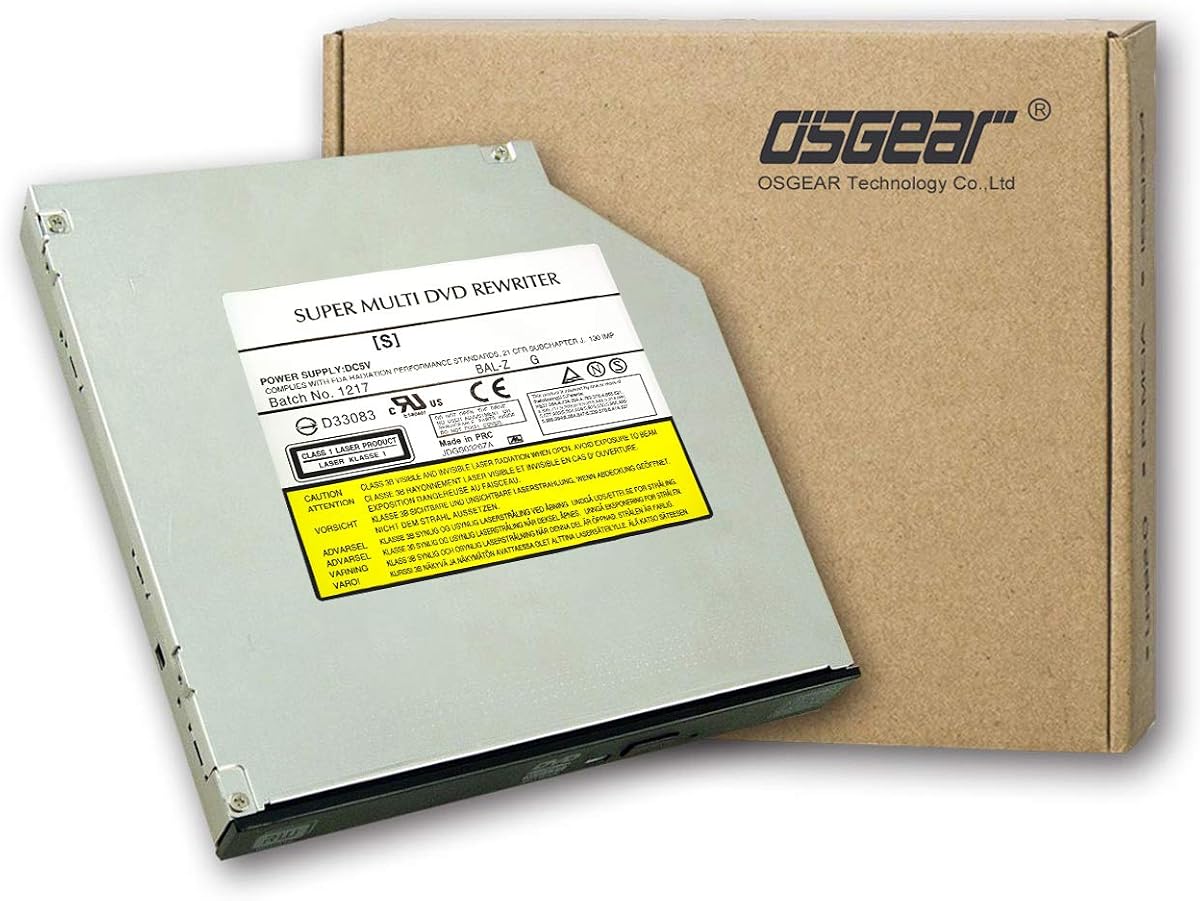
OSGEAR Internal 9.5mm slim SATA 8x DVDRW CD DVD RW Rom Burner Writer Laptop PC Optical Drive Device Tray Loading
4.1Editor score
9.5mm slim design
Wide OS support
Tray loading style
This guide compares the top internal DVD drives for laptops based on speed, compatibility, durability, and features to help you choose the right optical drive.
Finding a reliable internal DVD drive for laptop can be challenging with many options available on the market today. These devices restore optical functionality to modern thin notebooks that lack built-in drives for media playback and data access.
We evaluated ten top models based on write speeds, thickness, compatibility with common laptop brands, and special features like M-DISC support for long-term archival storage and silent playback technology.
Each product entry highlights key specifications, pros, and cons to help you find the best fit for your system. Keep in mind that prices and availability may vary over time on retailer websites.
4.1Editor score

4.4Editor score
4.5Editor score
Below is a detailed comparison of ten highly rated internal DVD drives for laptops. Each entry includes key specs and links to view current availability on major retailer sites.
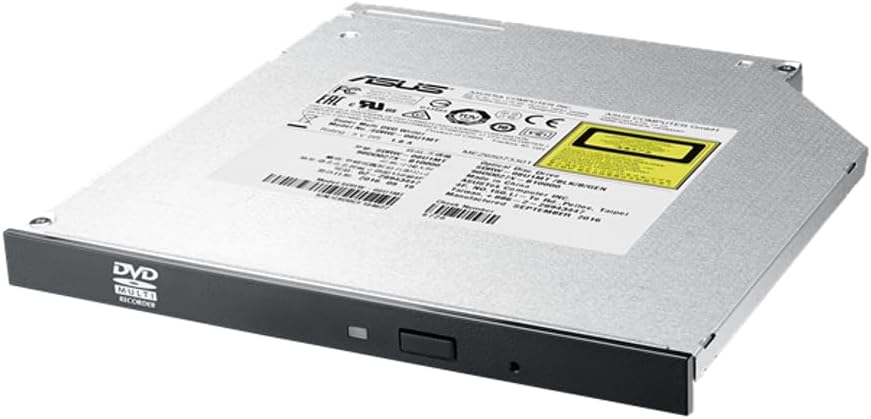



The Hitachi-LG GTC2N stands out as a top choice for users needing a reliable internal optical drive. With a strong 4.4 rating from verified buyers, this model delivers solid performance for reading and writing discs.
We may earn a commission when you buy through this link, at no additional cost to you.
Its M-DISC support ensures data remains readable for centuries by using a rock-like recording surface instead of organic dye. This makes it ideal for archiving important photos, videos, and documents safely.
LG's Silent Play technology minimizes noise during movie playback by adjusting spin speeds based on media type. The Super Multi-Compatibility feature supports DVD+R, DVD-R, DVD+RW, DVD-RW, and more in one drive.
Users who need to replace a failed internal drive in older laptops will appreciate its standard 12.7mm slimline size. It offers a balance of speed, durability, and quiet operation for daily use.
M-DISC technology uses a durable rock-like surface to protect your most important files from degradation over time.
Silent Play adjusts disc spin speeds dynamically to reduce noise when watching films or listening to audio CDs.
We may earn a commission when you buy through this link, at no additional cost to you.
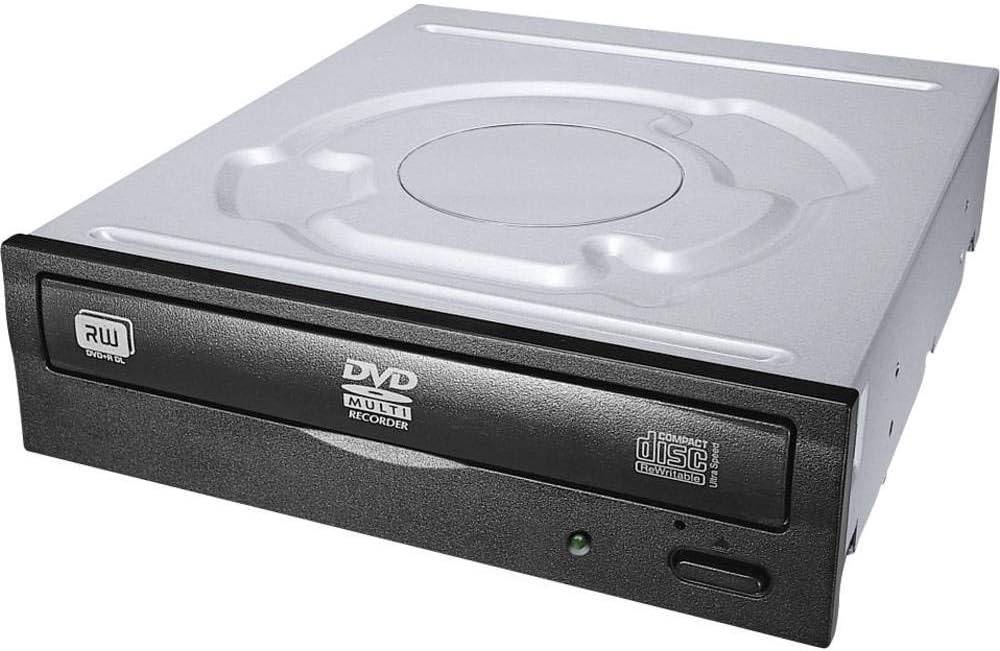
Lite-On is a respected name in optical drive manufacturing, and the IHAS124 model delivers premium quality for demanding users. It achieves a 4.5 rating from those who value fast and consistent performance.
We may earn a commission when you buy through this link, at no additional cost to you.
The SATA interface ensures quick data transfer rates for both reading and writing discs. This is crucial for users who regularly install software from discs or backup large video files.
Its internal form factor is designed to fit standard laptop bays with ease. The build quality supports heavy usage without frequent read errors or mechanical issues during operation.
For professionals who depend on optical media for data transfer or media creation, this drive offers the reliability needed for critical tasks. It is a solid investment for high-volume use cases.
The 24X SATA interface ensures you can write and read discs quickly without long waits during backup or installation.
Lite-On drives are known for their durability in commercial settings, making this a trusted choice for work environments.
We may earn a commission when you buy through this link, at no additional cost to you.
The OSGEAR Internal drive offers an accessible entry point for those needing to restore optical functionality to their laptop. Its 4.1 rating reflects solid performance for the price.
We may earn a commission when you buy through this link, at no additional cost to you.
It supports a wide range of operating systems including Windows versions from 98 to 10 plus Mac OS and Linux. This versatility makes it useful for older systems or multi-platform setups.
The 9.5mm slim design fits most modern laptop bays that previously had an optical drive. Tray loading ensures you can eject discs easily without needing a button or software command.
Users on a tight budget will find this drive delivers essential features without extra cost. It is a smart choice for occasional disc use or restoring legacy compatibility.
Works seamlessly with Windows, Mac, and Linux operating systems to give you flexibility across different platforms.
The 9.5mm thickness matches standard slim laptop optical bays for a direct internal replacement installation.
We may earn a commission when you buy through this link, at no additional cost to you.
ASUS brings its reputation for quality hardware to the internal DVD drive market with this 9.5mm slim model. It scores a 4.4 rating for balancing archival features with modern power efficiency.
We may earn a commission when you buy through this link, at no additional cost to you.
M-DISC support means you can write files that remain readable for thousands of years. This is a standout benefit for anyone looking to preserve family photos or critical data permanently.
E-Green technology automatically closes the drive application when not in use, saving over 50 percent of power. E-Media helps provide a quiet usage environment by reducing disc spin noise.
The 8x DVD writing speed ensures your backups finish quickly without delays. This model is ideal for users who want reliable archival capabilities in a compact internal package.
E-Green technology reduces energy consumption by automatically closing unused applications and optimizing power draw.
E-Media technology minimizes operational noise so you can work or watch media without distracting sounds.
We may earn a commission when you buy through this link, at no additional cost to you.
The LG DVD Rewriter earns a flawless 5.0 rating from buyers who value performance and quiet operation. Its internal slim design fits standard laptop optical bays with ease.
We may earn a commission when you buy through this link, at no additional cost to you.
Silent Play technology reduces noise during movie playback by adjusting speeds based on media type. This makes it comfortable for watching films or listening to audio without distraction.
It supports CD-R, CD-RW, DVD-R, DVD-RW, DVD+R, DVD+RW, and DVD±R DL. M-DISC support adds long-term storage benefits for protecting important files against degradation over time.
Buffer under-run prevention ensures discs finish burning cleanly even if data flow is interrupted. Power saving modes help reduce energy use when the drive is idle.
Silent Play adjusts spin speeds to lower noise when watching movies or listening to audio CDs internally.
Buffer under-run prevention function embedded to prevent burn failures from data transfer interruptions.
We may earn a commission when you buy through this link, at no additional cost to you.
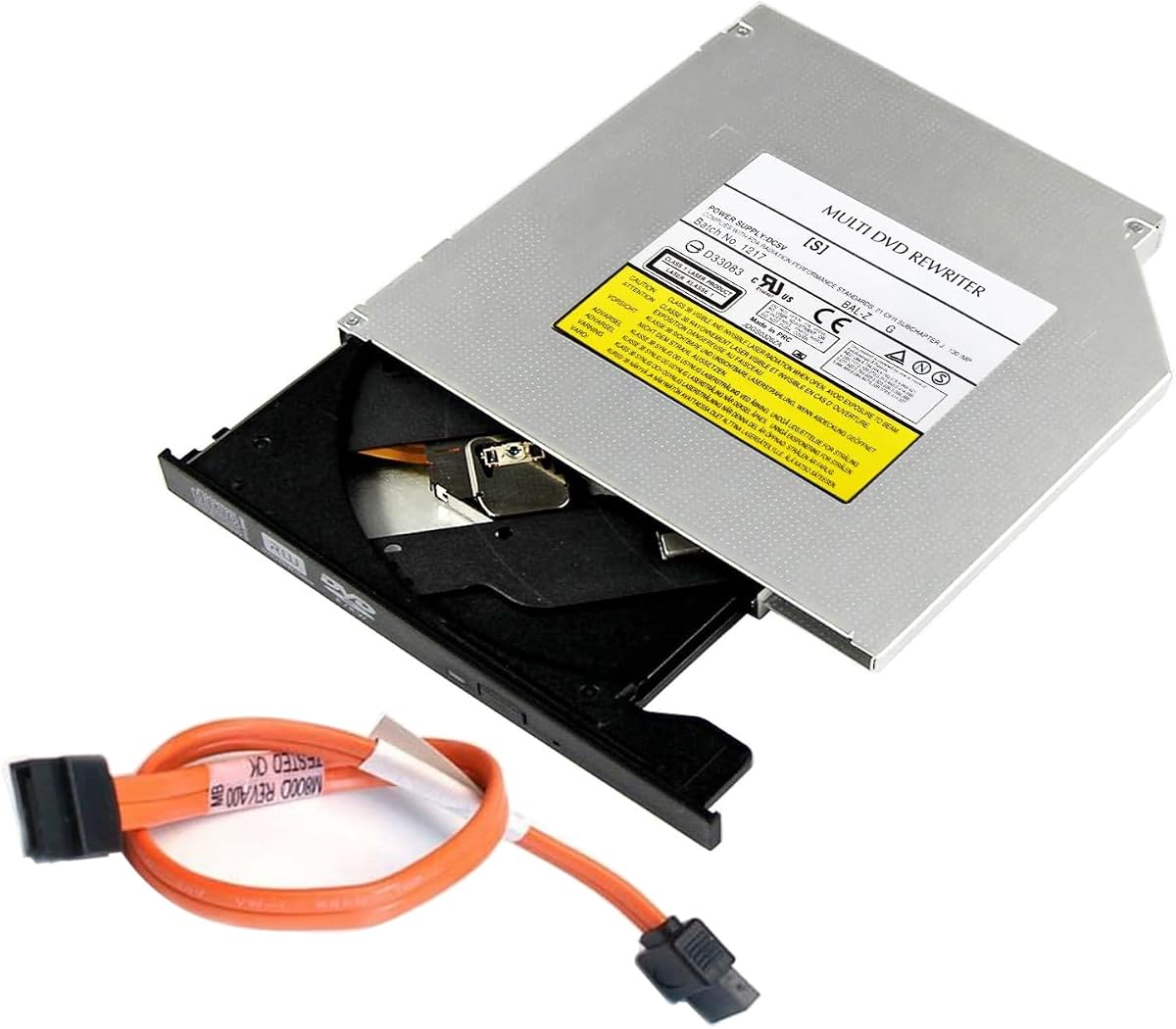
The GUD1N Optical Drive offers a convenient package that includes a data cable for easier installation and testing. It receives a 4.2 rating from users needing a standard replacement drive.
We may earn a commission when you buy through this link, at no additional cost to you.
M-DISC support allows you to burn files that last much longer than standard discs. This is helpful for archiving photos, videos, and documents for future reference.
It reads and writes multiple formats including DVD+R, DVD-R, DVD+RW, DVD-RW, and DVD-RAM. The tray-loading design is intuitive and easy for everyday use.
8X DVD read and write speeds ensure your backups complete in a reasonable time. Always verify your laptop uses a 9.5mm SATA bay before ordering this drive.
The package includes a data cable to simplify connection and testing during installation or repair.
M-DISC support provides a secure way to store files that must remain readable for many years.
We may earn a commission when you buy through this link, at no additional cost to you.
HP's dual layer optical drive delivers a 4.7 rating from users needing reliable internal functionality. It supports dual layer discs for larger storage capacity in one disc.
We may earn a commission when you buy through this link, at no additional cost to you.
The SATA interface ensures fast and stable data transfers. Samsung SH-216 components provide quality mechanics for consistent read and write performance.
This drive is designed for internal mounting in compatible laptops. It is a good fit for users restoring optical capabilities to HP notebooks.
The dual layer support means you can store more data on a single disc compared to single layer options. This reduces disc swapping during large backups.
Dual Layer support lets you write more data onto one disc for fewer discs needed per backup.
A SATA interface ensures stable connection speeds and reliable communication with the system.
We may earn a commission when you buy through this link, at no additional cost to you.
The HP 16X DVD-ROM drive holds a perfect 5.0 rating from users who need dependable reading performance. It is ideal for installing software from discs or playing media.
We may earn a commission when you buy through this link, at no additional cost to you.
16X DVD-ROM read speed ensures fast loading of content and minimal wait times during access. The Serial ATA interface connects reliably to modern laptop motherboards.
This internal drive fits standard mounting slots for a clean build. It is suited for users who primarily need to read discs rather than write them.
For libraries of software or game discs this drive provides quick access to install files. Its reliability makes it a solid choice for read-heavy use cases.
With 16X DVD-ROM read speeds, you can access software and media with minimal loading time.
Designed for internal laptop bays to provide a clean and reliable optical drive setup.
We may earn a commission when you buy through this link, at no additional cost to you.
The UJ8C2 model earns a flawless 5.0 rating from buyers needing a slim and reliable internal drive. It supports many laptop brands with 9.5mm bays and comes with a USB 3.0 SATA cable.
We may earn a commission when you buy through this link, at no additional cost to you.
SATA interface ensures consistent data transfer speeds for both reading and writing discs. Plug and play capability means no driver installation is required for most systems.
System support includes Windows 98 through 10 as well as Mac OS and Linux. This makes it versatile across various operating environments and hardware setups.
With the included cable you can test the drive before permanent installation if needed. Its slim form factor fits cleanly into modern laptop bays.
No driver installation is needed for most operating systems to get the drive working quickly.
The USB 3.0 SATA cable is included to simplify testing and connection tasks.
We may earn a commission when you buy through this link, at no additional cost to you.
The TechMagnet Internal drive offers an ultra slim 7mm design that fits compact modern laptops. It is a renewed product with a 3.8 rating and still supports M-DISC and multiple formats.
We may earn a commission when you buy through this link, at no additional cost to you.
M-DISC support enables long-term storage for photos and important files. The tray-loading design makes disc insertion and ejection straightforward for daily use.
It supports Dell, Lenovo, HP, Asus, and Acer laptops that accept 7mm drives. This is useful for thinner notebooks that do not support the standard 9.5mm size.
At a lower price point this drive provides essential optical functionality for budget-conscious buyers. Ensure your system bay matches 7mm thickness before purchasing.
The 7mm height matches ultra-thin laptop bays that cannot accommodate thicker optical drives.
A renewed product provides reliable functionality at a lower cost for budget needs.
We may earn a commission when you buy through this link, at no additional cost to you.
Selecting the right internal DVD drive requires understanding compatibility, thickness, and needed features.
Internal drives come in 7mm and 9.5mm slim sizes for laptops. Always check your laptop bay dimensions before ordering.
Match the thickness exactly to avoid fitting issues or mounting problems during installation.
SATA is the standard interface for internal optical drives. Ensure your system has a SATA connection and power connector.
Avoid USB or legacy IDE interfaces unless your system specifically supports them.
M-DISC allows you to write data that lasts for centuries on a single disc. This is ideal for archival storage.
Look for M-DISC support if you plan to store photos or documents long term.
DVD write speeds range from 8X to higher rates. Faster speeds reduce the time needed for backups.
Choose higher write speeds if you frequently burn large discs or install software from CD.
Features like Silent Play reduce operational noise during playback. This improves comfort during movies.
Quiet drives are better if you use your laptop in shared spaces or study rooms.
Ensure the drive works with your OS. Many support Windows 98 through 10 plus Mac and Linux.
Check the product page for OS compatibility if you use non-standard systems.
Tray loading is easier for discs and reduces risk of scratches. Slot loading is compact but less forgiving.
Prefer tray loading for ease of use and better disc protection in most cases.
Drives with power saving modes like E-Green help reduce energy consumption during idle times.
This is useful if you run on battery often or want to minimize system heat.
Install the drive by aligning it with the laptop bay and securing it with screws. Connect the SATA data and power cables before testing.
Clean discs with a soft cloth from center outward to avoid scratches. Keep the drive tray free of dust and debris.
Avoid forcing discs in or out. Use software eject commands when possible to prevent mechanical damage.
Most modern operating systems recognize internal SATA optical drives automatically without manual drivers. However installing the latest OS updates can help ensure full feature access.
No a 7mm drive will be loose in a 9.5mm bay. You need a spacer kit or a matching 9.5mm drive for proper mounting and connection.
M-DISC uses a rock-like recording surface instead of organic dye to write data that lasts up to a thousand years. It is designed for long-term archival storage.
Check your laptop model specs or look for a thin optical bay on the side. Many modern ultrabooks removed this slot for lighter designs.
Yes if your laptop has the slot and SATA interface. Internal drives are faster and consume less power than external USB models.
Internal SATA drives generally offer higher sustained speeds than USB 2.0 or 3.0 external drives. Direct motherboard connection reduces latency.
The Hitachi-LG GTC2N, Lite-On IHAS124, and OSGEAR Internal models lead this list for performance, premium features, and affordability.
Prioritize thickness and interface matching your laptop bay. Also consider M-DISC support if you need long-term archival storage for important files.
Check current availability and shipping details on retailer websites as stock may vary by region and time.