
TP-Link TL-SG105
4.7Editor score
5 Gigabit ports
Plug and play
Metal design
This guide compares the top Eero Ethernet switch options for wired backhaul and network expansion, helping you choose the right model for your home.
Finding the right Eero Ethernet switch is crucial for maximizing your mesh network performance. A quality switch ensures stable wired backhaul connections and expands your wired device capacity effectively.
We evaluated ten top-rated networking devices based on port speed, power delivery, and ease of use. This list covers both dedicated Eero hubs and third-party switches compatible with Eero systems.
Each pick highlights key features and ideal use cases to simplify your decision. Please note that availability and specific model details may change, so verify current specs before buying.
4.7Editor score

4.4Editor score

4.8Editor score
This table provides a side-by-side overview of the most capable switches for Eero mesh systems. It highlights port counts, speeds, and management features to help you find the perfect fit.



The Amazon eero PoE Gateway is the ultimate solution for Eero users seeking a unified network core. It combines a powerful router with a 10-port switch that delivers Power over Ethernet to compatible access points.
We may earn a commission when you buy through this link, at no additional cost to you.
With two 10 GbE ports and eight 2.5 GbE PoE ports, this device supports wired speeds up to 9.4 Gbps. The included 140W power supply provides pooled power for up to eight Eero PoE 6 or six Eero PoE 7 access points.
While it represents a significant investment, the consolidation of router and switch hardware simplifies your network setup. The only trade-off is that you are tied to the Eero ecosystem for full compatibility.
This gateway is ideal for users planning a full Eero PoE installation who want maximum performance and minimal clutter. It is the top recommendation for those committed to the Eero ecosystem.
The built-in PoE switch allows you to connect access points without external power bricks.
The 10 GbE ports ensure your network can handle high-speed internet plans without bottlenecks.
We may earn a commission when you buy through this link, at no additional cost to you.
The TP-Link TL-SG105 is an excellent low-cost option for expanding your Eero network with wired connections. It offers five gigabit ports in a compact, fanless design that fits easily on any shelf.
We may earn a commission when you buy through this link, at no additional cost to you.
This switch requires no setup and simply connects to your Eero gateway to expand wired device capacity. The metal casing ensures durability and heat dissipation, while the energy-efficient tech keeps power use low.
Although it lacks advanced managed features like VLANs, it is perfect for basic home networking needs. The main limitation is the five-port count, which may not suit larger setups.
Choose this switch if you need a reliable and cost-effective way to add wired ports to your Eero system. It is the best value pick for budget-conscious users.
True and play functionality means you can get it running in minutes without technical knowledge.
The metal design provides robust protection and helps maintain performance over time.
We may earn a commission when you buy through this link, at no additional cost to you.
The NETGEAR 8 Port PoE switch offers professional-grade features for those needing advanced control. It provides eight gigabit ports with a robust 62W power budget for delivering Power over Ethernet.
We may earn a commission when you buy through this link, at no additional cost to you.
Users can configure VLANs and prioritize traffic through an intuitive Easy Smart interface. This allows for tailored network security and performance optimization that unmanaged switches cannot provide.
The main drawback is the complexity for simple setups and the higher cost. However, for power users or small business environments, the control and reliability are worth it.
This is the top choice for those who need managed PoE capabilities alongside their Eero system. It delivers premium performance and flexibility for demanding networks.
QoS and VLAN features help ensure your Eero traffic stays smooth and prioritized.
The 62W budget supports multiple PoE devices without needing extra injectors.
We may earn a commission when you buy through this link, at no additional cost to you.
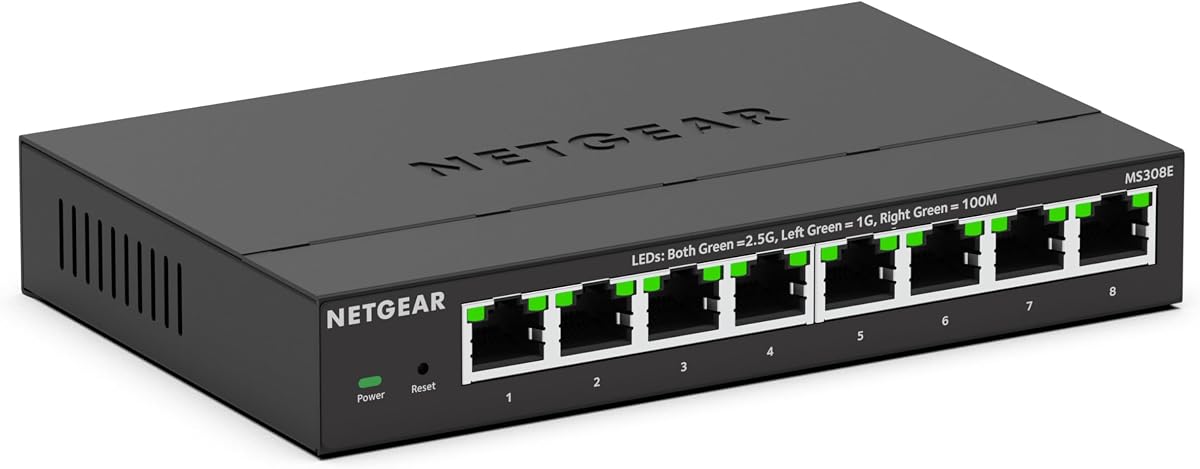
The NETGEAR 2.5G Switch brings multi-gigabit speeds to wired devices connected to your Eero network. It features eight ports capable of delivering up to 2.5 Gbps each.
We may earn a commission when you buy through this link, at no additional cost to you.
This is ideal for connecting high-speed NAS drives or computers directly to your mesh system. The Easy Smart interface provides basic management like VLANs and QoS for optimized traffic.
The lack of PoE means you cannot power access points directly with this unit. Additionally, the price is higher than basic gigabit switches.
Choose this switch if you need faster than 1 Gbps wired speeds for specific devices. It is best for advanced home users with multi-gig internet plans.
The 2.5G ports allow wired devices to exceed standard gigabit speeds.
Basic management features offer flexibility without enterprise-level complexity.
We may earn a commission when you buy through this link, at no additional cost to you.
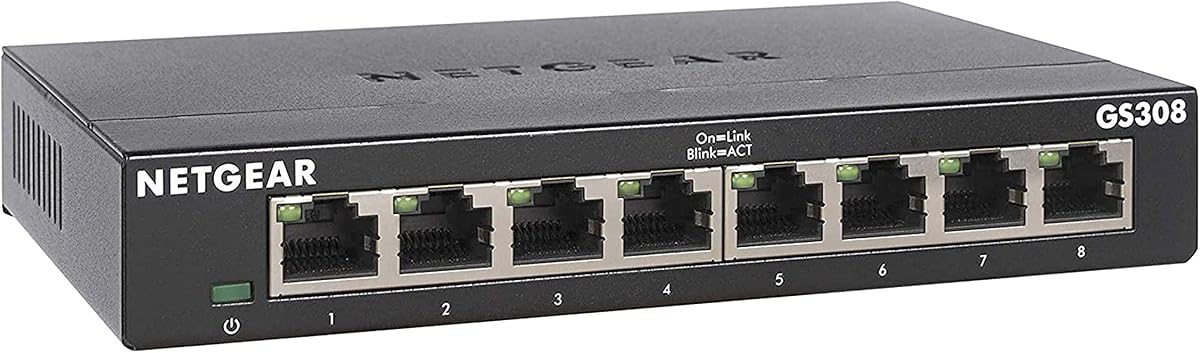
The NETGEAR 8 Port Gigabit Switch is a straightforward choice for expanding wired connections. It offers eight ports for connecting multiple devices to your Eero router effortlessly.
We may earn a commission when you buy through this link, at no additional cost to you.
Being unmanaged, it requires no setup and just plugs in to start working. The fanless design ensures it operates silently, making it suitable for living areas.
While it does not support PoE or VLANs, it handles basic networking needs well. The only downside is the lack of advanced control features for power users.
This switch is perfect for those who need more ports without complexity. It is the best recommendation for simple and reliable network expansion.
The plug and play nature makes it easy to add more devices quickly.
Fanless design ensures no noise disturbance in quiet home environments.
We may earn a commission when you buy through this link, at no additional cost to you.
The NETGEAR 5 Port Managed Switch offers a balance of simplicity and control for small setups. It provides five gigabit ports with Easy Smart management capabilities.
We may earn a commission when you buy through this link, at no additional cost to you.
Users can configure VLANs to prioritize traffic through a user-friendly interface. This is helpful for separating guest networks or boosting Eero performance.
The main limitation is the five-port count and limited advanced features compared to larger models. However, it is affordable and fits well in tight spaces.
Choose this switch if you need VLANs on a budget with fewer ports. It is best for small offices or homes with basic managed needs.
VLAN features allow you to segment network traffic for better organization.
The compact form factor is ideal for desks or crowded media centers.
We may earn a commission when you buy through this link, at no additional cost to you.
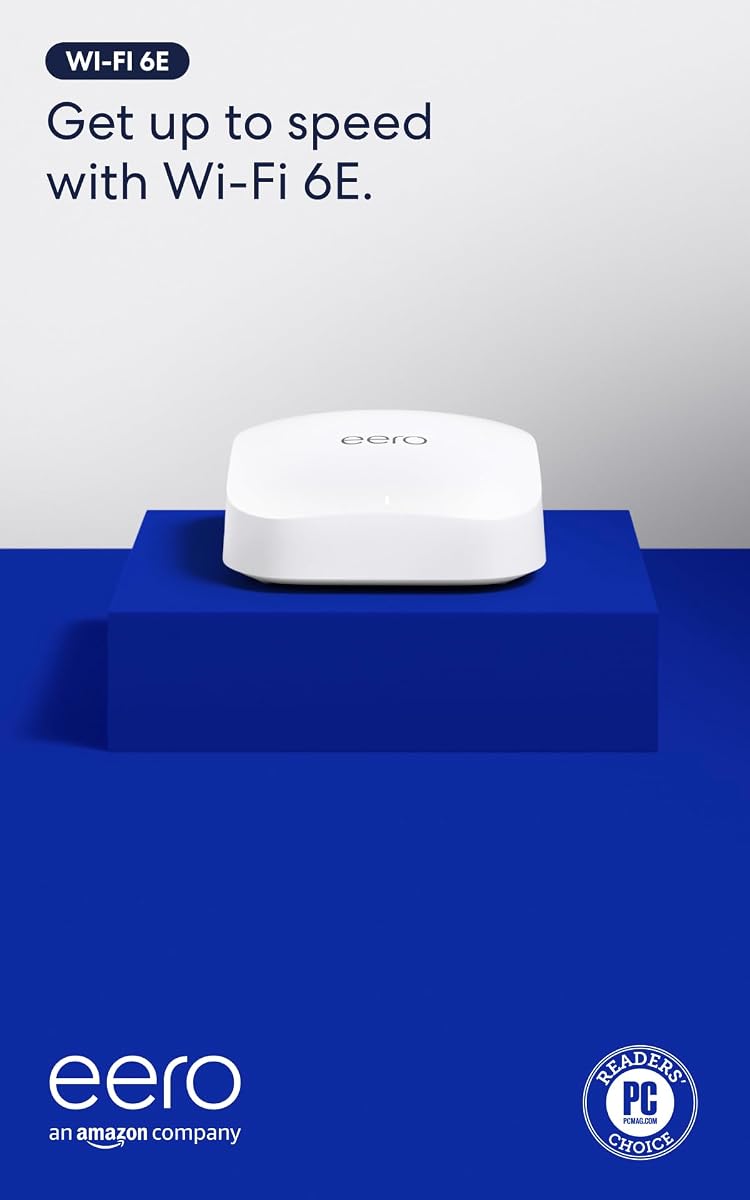
The Amazon eero Pro 6E router is a powerful gateway that includes a 2.5 GbE Ethernet port. It serves as the central node for your Eero mesh network.
We may earn a commission when you buy through this link, at no additional cost to you.
This port allows for high-speed wired connections to a modem or secondary switch. The router supports internet plans up to 2.5 Gbps and covers up to 2000 sq ft.
While it is not a switch, it is essential for those needing a high-speed uplink. The limitation is that it only provides one main Ethernet port for wired access.
This router is the foundation for any advanced Eero system. It is recommended for users needing maximum wireless and wired throughput.
The 2.5 GbE port handles high-speed internet without bottlenecks.
Eero's routing technology optimizes traffic flow across your network.
We may earn a commission when you buy through this link, at no additional cost to you.
The Amazon eero 6 router provides whole-home Wi-Fi 6 coverage and includes a built-in Zigbee hub. It is designed to support up to 75 connected devices.
We may earn a commission when you buy through this link, at no additional cost to you.
While it offers standard Ethernet ports for backhaul, it is not a switch. It is suitable for smaller homes needing reliable wireless and basic wired connectivity.
The main limitation is the lack of dedicated switch ports. However, its Zigbee hub adds smart home value without extra hardware.
This router is ideal for those seeking a smart home-focused Eero solution. It works best in homes needing basic wired links.
The Zigbee hub connects compatible smart devices without a separate hub.
Wi-Fi 6 ensures reliable speeds for multiple devices simultaneously.
We may earn a commission when you buy through this link, at no additional cost to you.
The Amazon eero PoE 7 is a top-tier access point designed to work with a PoE gateway. It supports Wi-Fi 7 and delivers wireless speeds up to 3.9 Gbps.
We may earn a commission when you buy through this link, at no additional cost to you.
With a 10 GbE PoE+ port, it ensures fast wired backhaul for peak performance. This makes it ideal for large homes needing maximum throughput.
The main downside is its high price and dependency on a PoE gateway. It requires compatible equipment to function correctly.
Choose this access point for the latest Wi-Fi 7 speeds. It is best for advanced users with large properties and high-speed internet.
Tri-band Wi-Fi 7 ensures your network stays ready for future devices.
High-speed wired backhaul keeps wireless performance at its peak.
We may earn a commission when you buy through this link, at no additional cost to you.
The Amazon eero 7 router is the most affordable Wi-Fi 7 option available. It features two auto-sensing 2.5 GbE ports that support wired speeds for your Eero system.
We may earn a commission when you buy through this link, at no additional cost to you.
These ports allow you to connect to a modem and a secondary switch for device expansion. The router supports internet plans up to 2.5 Gbps and uses MLO for better performance.
The main limitation is having only two Ethernet ports. You will need an external switch to connect multiple wired devices.
This router is perfect for those upgrading to Wi-Fi 7 on a budget. It pairs well with a dedicated Ethernet switch.
Two Ethernet ports enable flexible wired connections without extra hardware.
You can enjoy the latest Wi-Fi features without a huge investment.
We may earn a commission when you buy through this link, at no additional cost to you.
Choosing the right Ethernet switch for your Eero system depends on your connectivity needs. This guide helps you evaluate key factors to find the ideal model.
Consider how many wired devices you need to connect and their speed requirements. For most homes, a switch with at least five or eight ports is recommended. Ensure the ports match your device speeds, such as Gigabit or Multi-Gigabit.
Look for a switch with enough ports to cover your needs without frequent expansion.
PoE allows the switch to provide power to compatible devices like Eero access points. If you plan to use Eero PoE models, a PoE switch is essential. Check the total power budget to ensure it supports your devices.
A switch with PoE simplifies setup by reducing the need for extra power adapters.
Unmanaged switches are plug-and-play and easy to use. Managed switches offer advanced features like VLANs and traffic prioritization. Choose based on whether you need control over your network traffic.
Unmanaged switches are best for simple setups, while managed options suit advanced users.
Look for switches with a metal casing for durability and heat management. Fanless designs ensure quiet operation which is important for living spaces. Wall-mounting options can save valuable shelf space.
A sturdy build ensures reliable performance over time in various environments.
Ensure the switch is compatible with your specific Eero model. Some Eero PoE devices require specific switches. Verify that the ports and power output match your requirements.
Compatibility ensures seamless integration and optimal performance of your network.
Set a budget that balances cost with necessary features. Higher-end switches offer better management but cost more. Basic switches are affordable and sufficient for most homes.
Focus on value by choosing a switch that meets your current and future needs.
Consider switches with higher speeds like 2.5 GbE to accommodate faster internet plans. This ensures your network remains relevant as technology advances. Check for regular firmware updates and support.
Investing in a future-ready switch protects your investment over time.
A good warranty provides peace of mind against hardware failures. Check the manufacturer support hours and contact options. Reliable support helps resolve setup issues quickly.
Choose a product with solid warranty and support for long-term reliability.
To use your switch, connect it to your Eero router or gateway using an Ethernet cable. Then plug in your wired devices into the available ports. Ensure the switch is powered on and properly grounded.
Care for your switch by keeping it in a cool and dry place. Avoid dust accumulation by occasionally wiping the exterior with a dry cloth. Ensure cables are not bent or damaged.
Regularly check for firmware updates if your switch supports management features. These updates improve security and performance. Replace any damaged cables to maintain network stability.
You need an Ethernet switch if you have more wired devices than available ports on your Eero router. A switch expands your capacity for connecting hardwired devices like TVs or desktops. It is not strictly necessary for basic wireless setups.
Yes, most standard Gigabit switches work with Eero systems. Ensure the switch supports auto-negotiation for speed compatibility. Avoid switches that require special proprietary software.
Managed switches allow you to configure settings like VLANs and traffic prioritization. Unmanaged switches are plug-and-play with no configuration options. Managed switches offer more control but cost more.
Eero PoE switches typically support standard PoE and PoE+ devices. You can power compatible third-party devices. However, check the power budget for each device.
A typical switch supports the number of ports available on the unit. Most home switches offer 5 to 8 ports. You can connect multiple switches together if needed.
A quality switch should not slow down your network. It simply extends wired connections. Ensure your switch has adequate bandwidth for your internet plan.
The Amazon eero PoE Gateway is the top pick for Eero users seeking an all-in-one solution. It combines a router with a PoE switch for seamless integration. Other options like the TP-Link TL-SG105 offer great value.
Consider your specific needs for PoE, port count, and management features. Unmanaged switches are easier while managed switches provide more control. Choose a model that fits your home's current and future demands.
Check current availability and specifications before purchasing to ensure the best match. Prices and models may vary over time. Verify compatibility with your existing Eero setup.